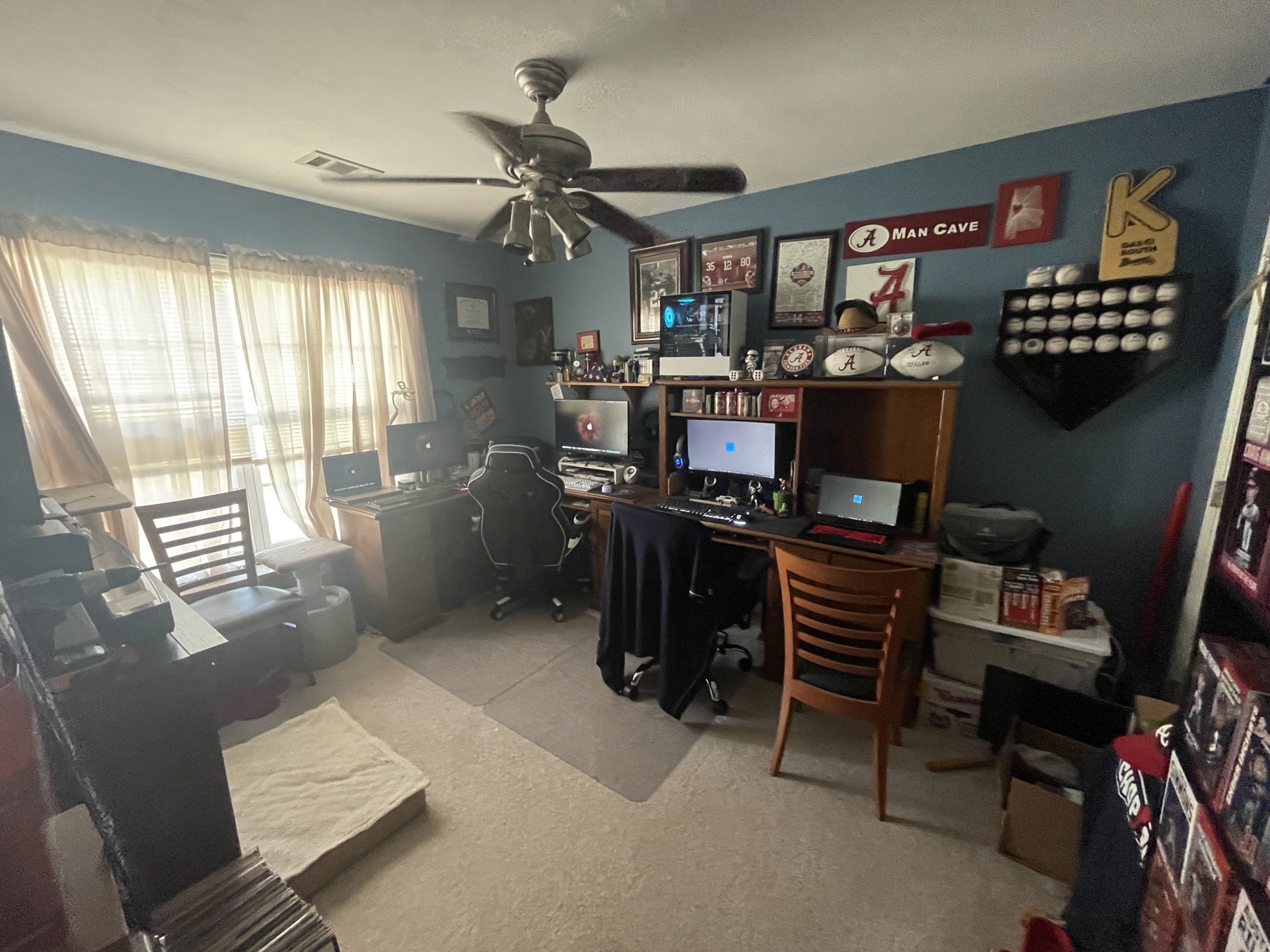
This is the ultimate tour of my office. From office electronics to sports memorabilia. So, let’s just dive right in with an overview… (Cheat Sheet to the models and specs here – What I use.). This may be a bit self-serving or seen as something negative. Personal blogs can always been seen that way, but I am so blessed and I want to share that with who ever wants to share in it. It is by no means meant to shame someone who isn’t as blessed. Believe me, when I see some big YouTubers office tours, I feel like mine is so inferior but then I remember that I am blessed to have what I do… Never be ashamed of what you have. LIfe isn’t a competition (well, maybe it is for some but not me…). Without further ado…
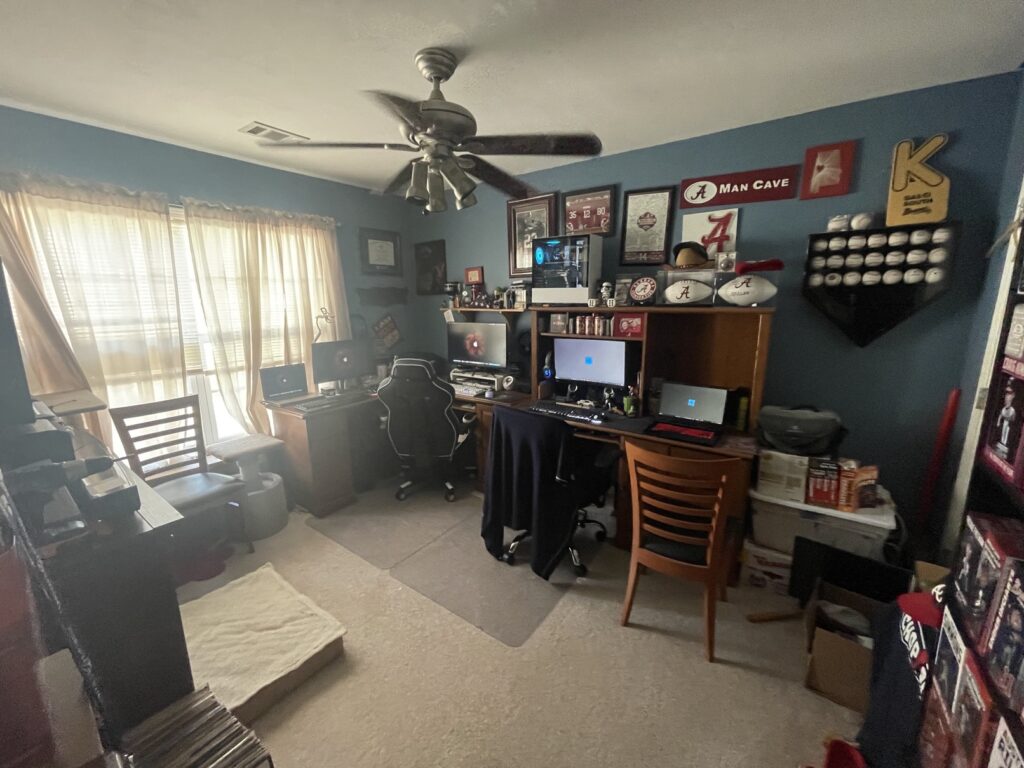
Yeah, it’s really an embarrassment of riches. Somehow, I’ve lived a charmed life to have so much. Maybe TOO much…
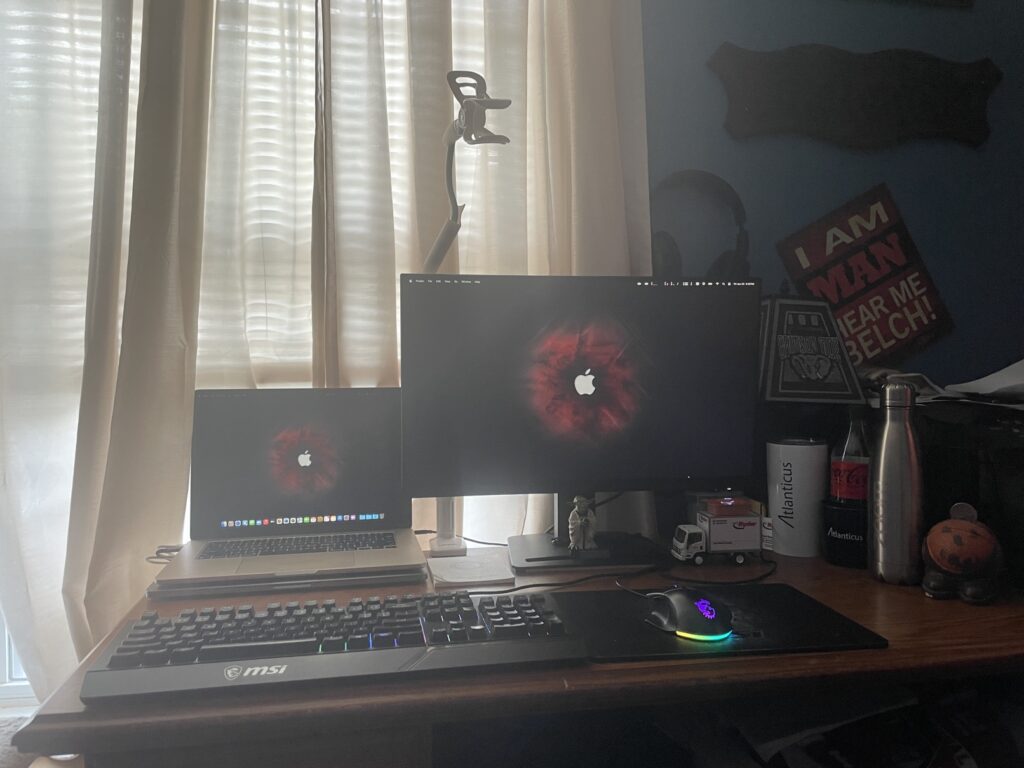
This is my MacBook Air, I finally got the 15″ MacBook I’ve always wanted. There are a number of reasons why I never got a 15″ MacBook Pro in the past, but PRICE is one of the main reasons. I sold my 13″ MacBook Pro to get this and the depreciation is mind numbing. Intel models are just not worth much now. That goose neck is a phone holder. I used that to hold my phone when making my unboxing video for my 15″ MacBook Air…
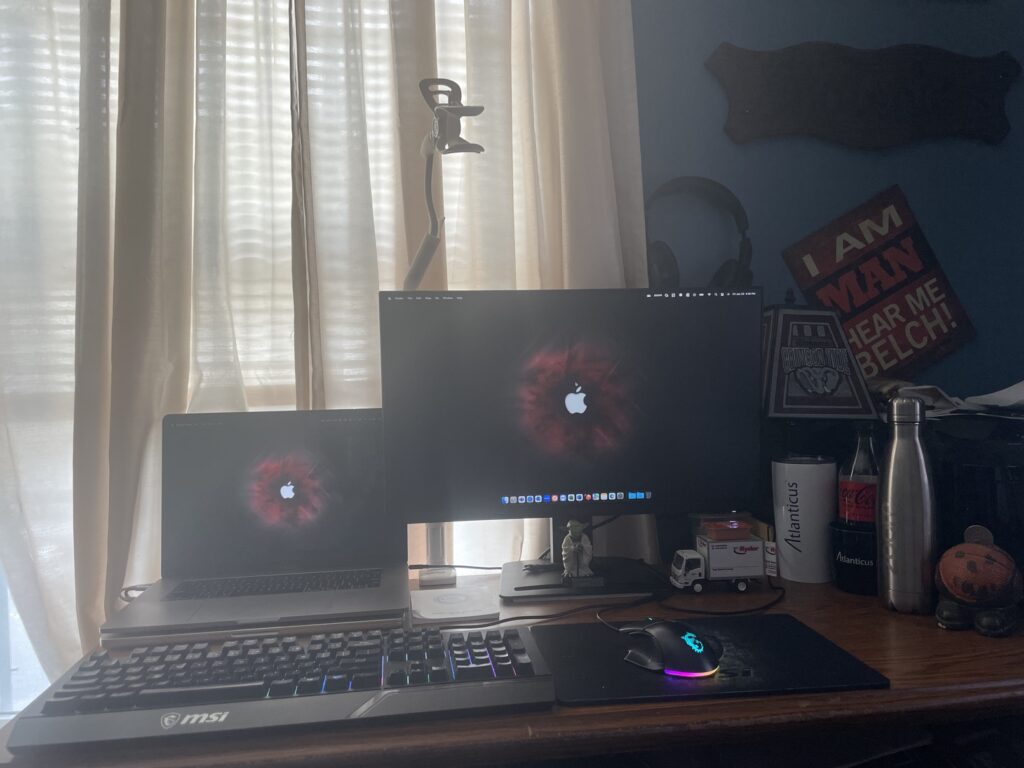
This part of my desk can either be for my personal or my work MacBooks. I have a MacBook Air [Above] and my job provided me a MacBook Pro [Below] Because I administer our Macs, I kinda need one. There are times where it helps to not only have one but to be such a Mac user, myself. Let’s not miss out on the wall art here…. [I am MAN hear me BELCH!]
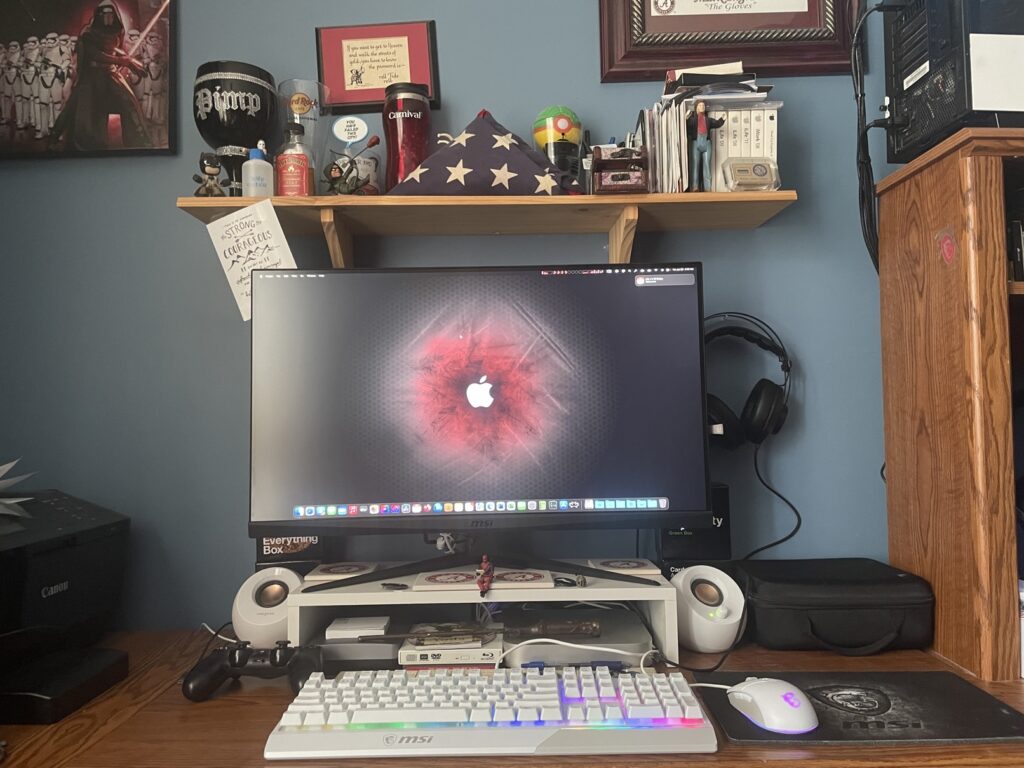
I recently sold my 2019 Core i9 iMac to purchase this setup. This isn’t the fasted M2 Mac mini and not as fast as the machine it replaced; however, the falling prices on Intel Macs forced my hand. This setup will allow me to upgrade the Mini to a better system later. It’s a great little Mac, but I do plan to upgrade in the future.
So, in both cases above I sold out my Intel Macs for Apple Silicon. I didn’t really want to but it was be financially disastrous to hold on them much longer unless I wanted to use them until they were deemed “vintage” by Apple. That would mean loss of OS software support, though. I waited as long as I could before jumping ship…
Please do note the collection of Cards Against Humanity boxes…
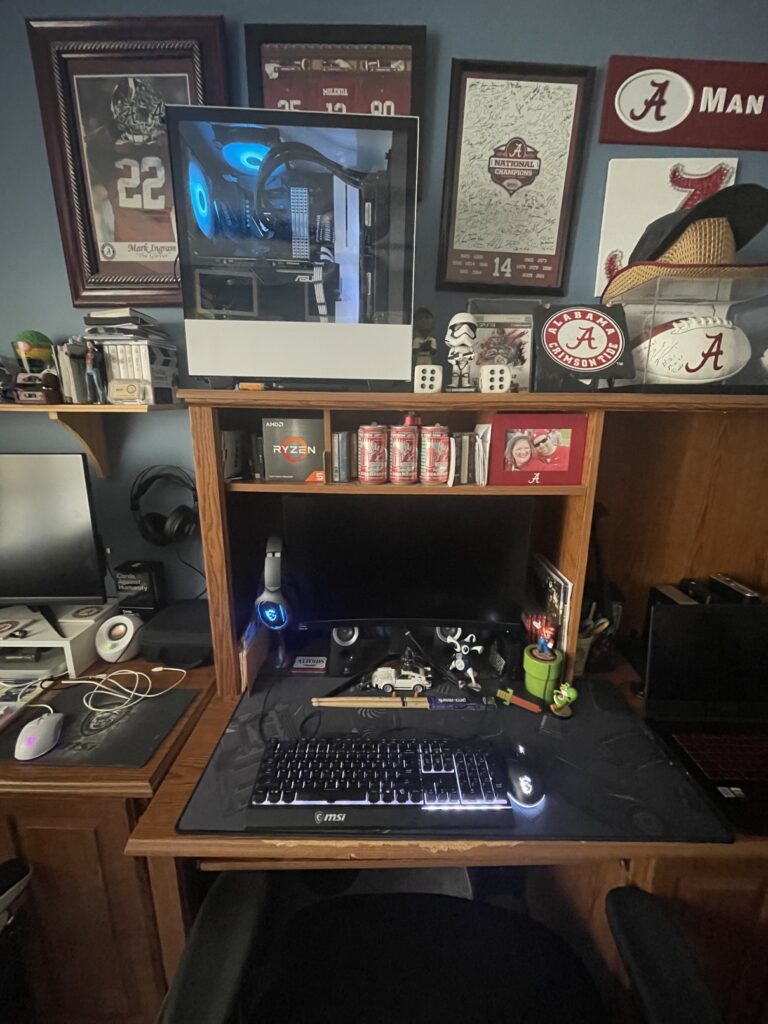
This is my gaming PC rig. I did a recent post on the evolution of my build. But note the memorabilia and “toys” surrounding my setup and let go of the fact that the monitor isn’t displaying anything here… WHOOPS!
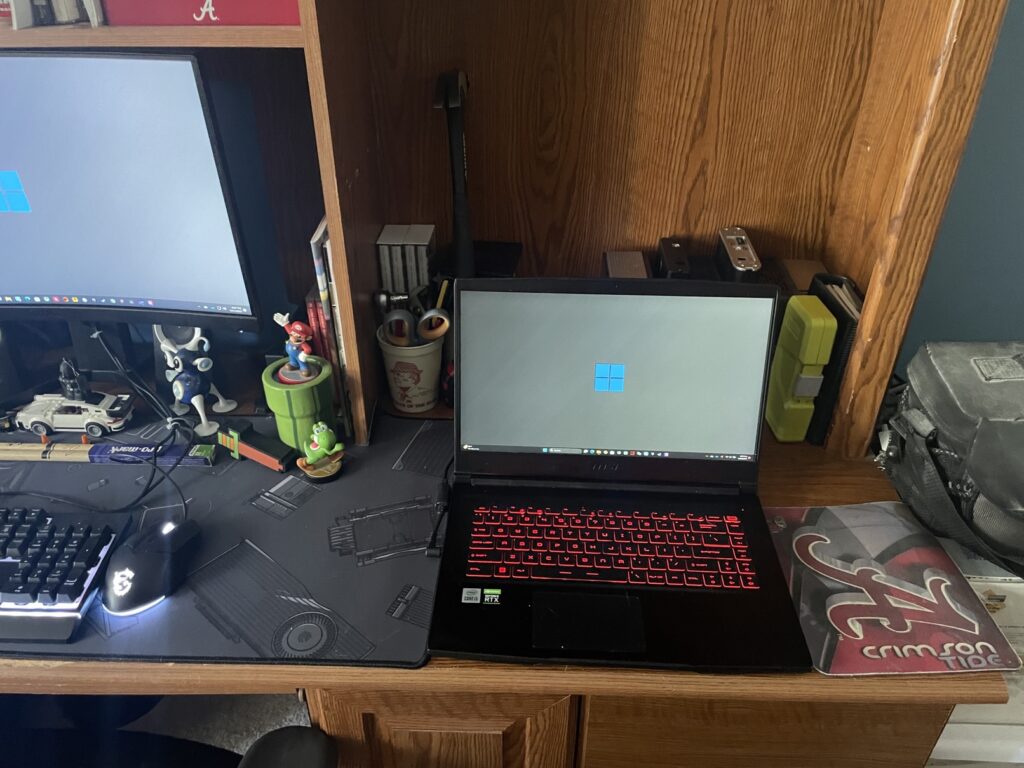
This is my gaming laptop. I did a recent review of this laptop. This particular model is hard to find now, but there are better ones for the same money I spent on this one, but I don’t feel the need to upgrade. The mobile RTX 3060 does a respectable job playing the games I play on it…
It’s hard to see, but there is a Nintendo Switch connected to my monitor. I play my Switch games on this monitor (same as I used for gaming PC) or mobile. I could connect to my TV but I like it connected to my gaming monitor…
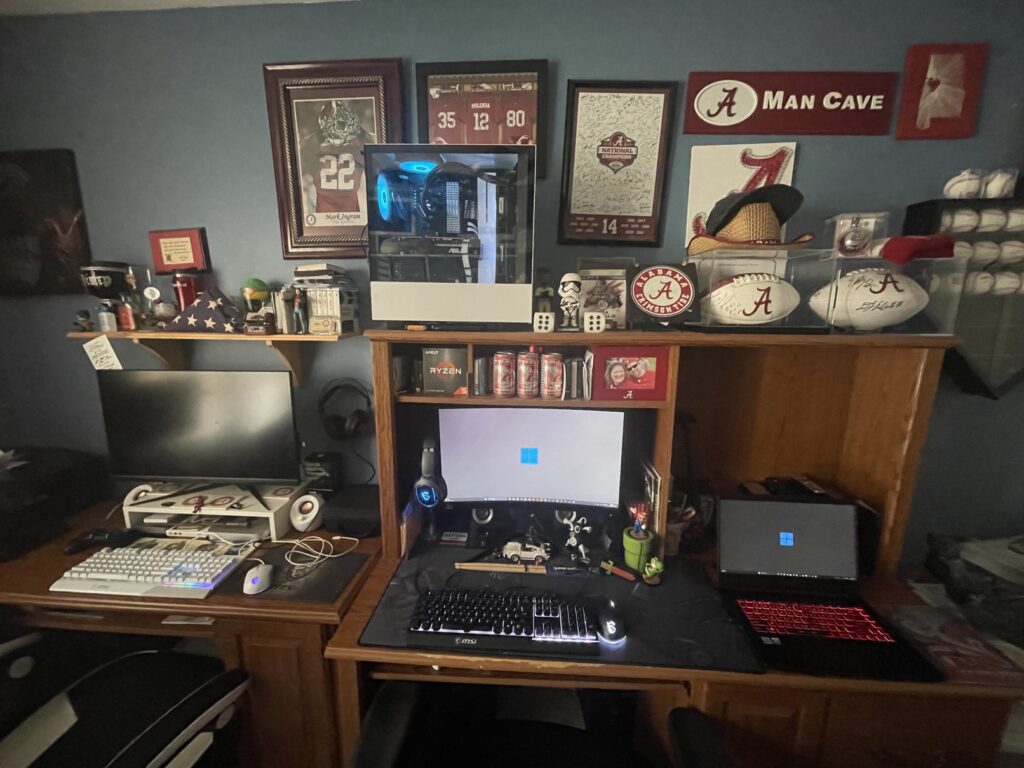
Overview of my PC desk and a bit of my Mac desk… (the monitor is actually displaying something here.). You can see that Alabama Crimson Tide memorabilia here. I am huge fan and this office is my “Man Cave.”
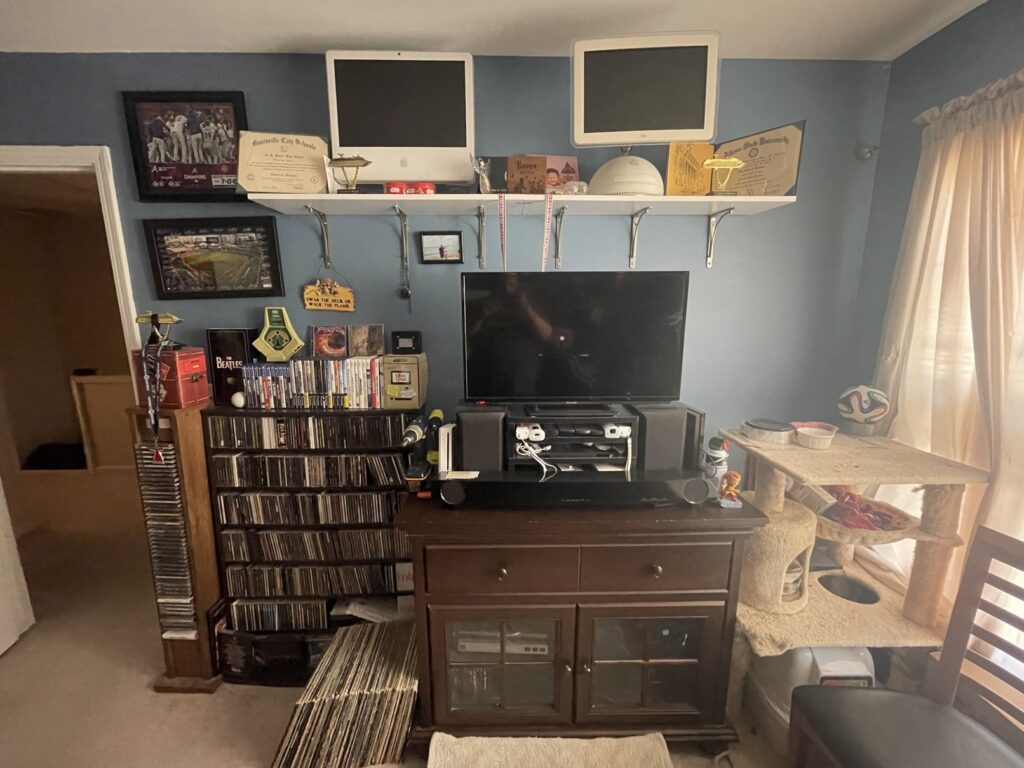
Here is my audio and video entertainment system. I have a turntable, a dual-cassette deck, and an aux input connected to a stereo receiver. The bookshelf speakers are connected to the stereo receiver. The PS4, Wii, and an HD-DVD player are connected to the soundbar. This looks much more busy than it is.
You can see my vintage Macs above on the shelf along with a couple of my degrees/diplomas and well, the Urn for my cat, Bama. Rest in Peace, Bam.
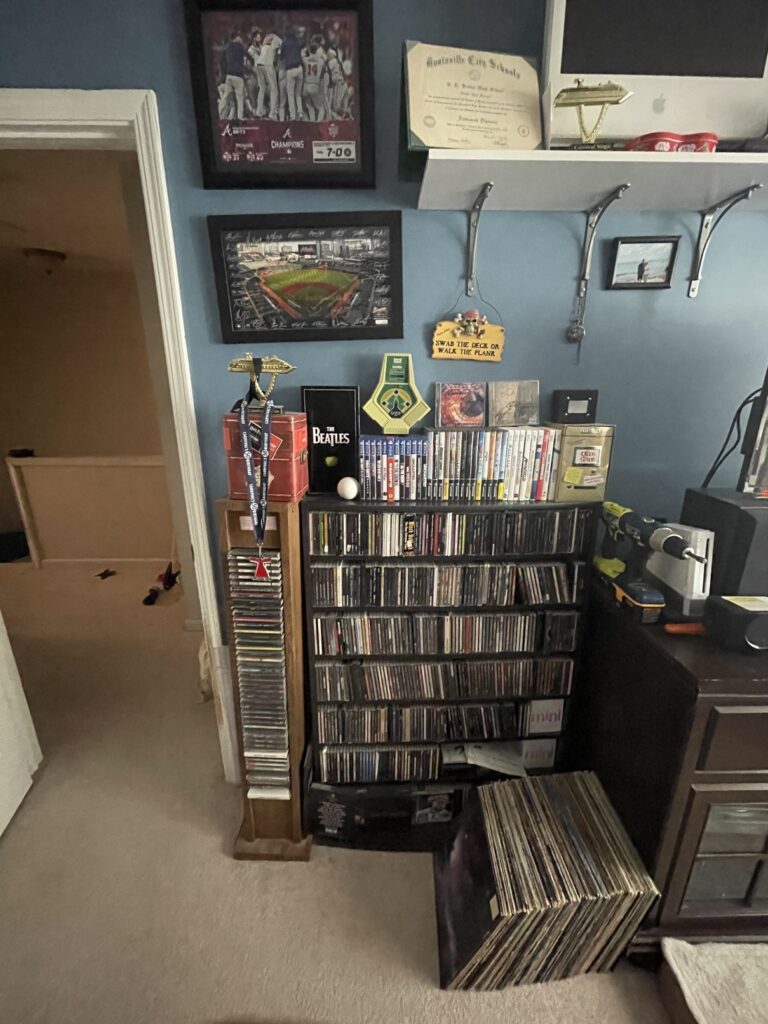
Here I have my CD and LP collection and the beginnings of my Braves memorabilia. In addition the Crimson Tide, I am a huge Atlanta Braves fan, so there is much of this memorabilia in this room as well. Also, there is my PS4, GameCube and Wii game collection. I have a few HD-DVD movies in the bottom of the stand to the right.
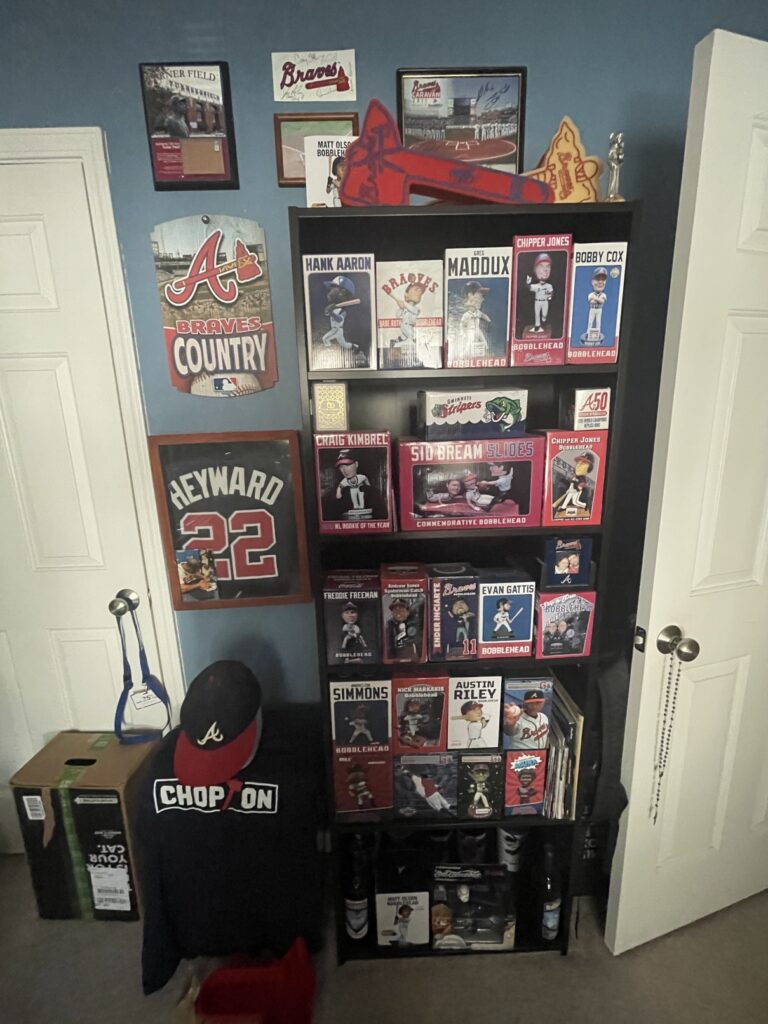
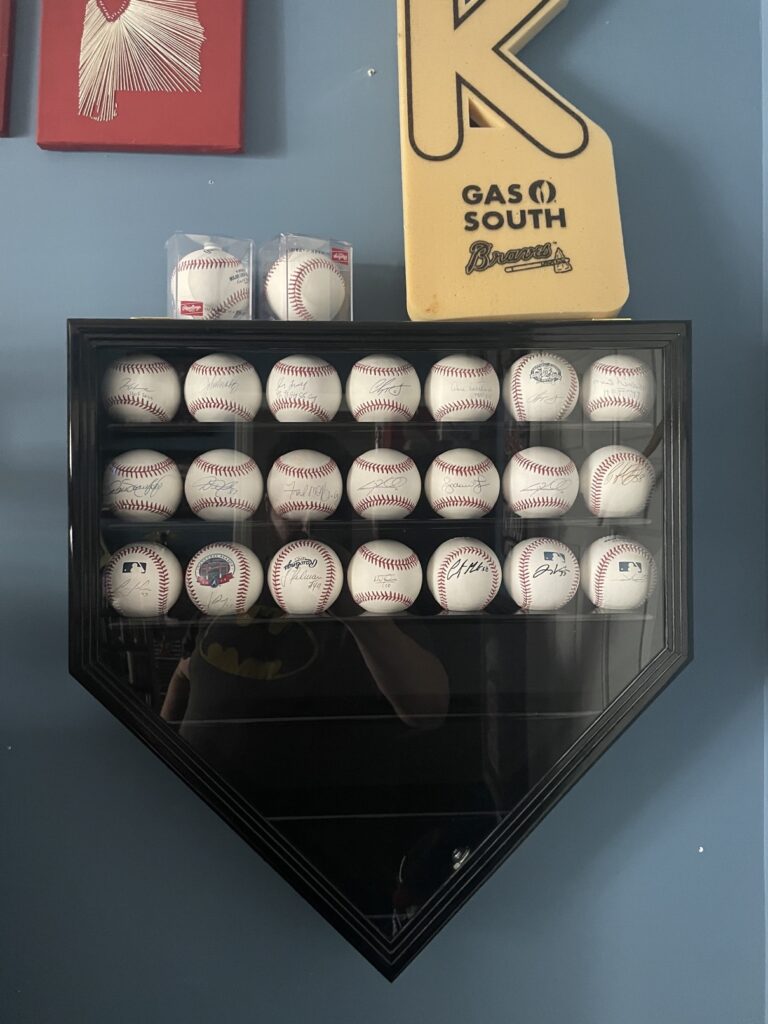
Here is my Braves memorabilia. The bobbleheads and the wall art. There is a signed jersey of Jason Hayward, but it has almost faded out. I can go over in full detail if requested. Then, there is my collection of autographed balls. Some were purchased, but most were got by chance or at fan events. It’s really too bad you have to pay for the autograph sessions now.
That’s pretty much it. I have a YouTube video in the works as well.