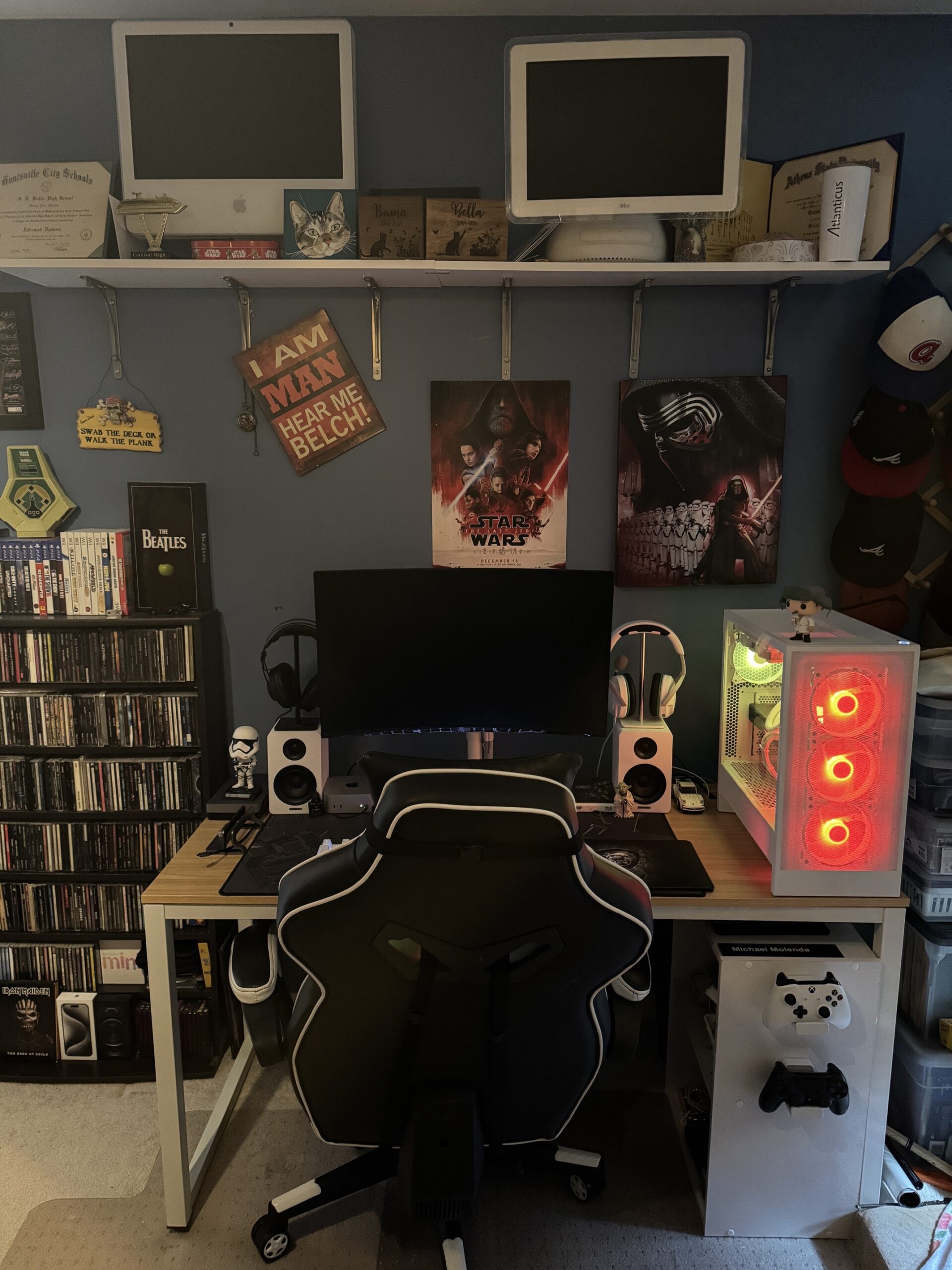
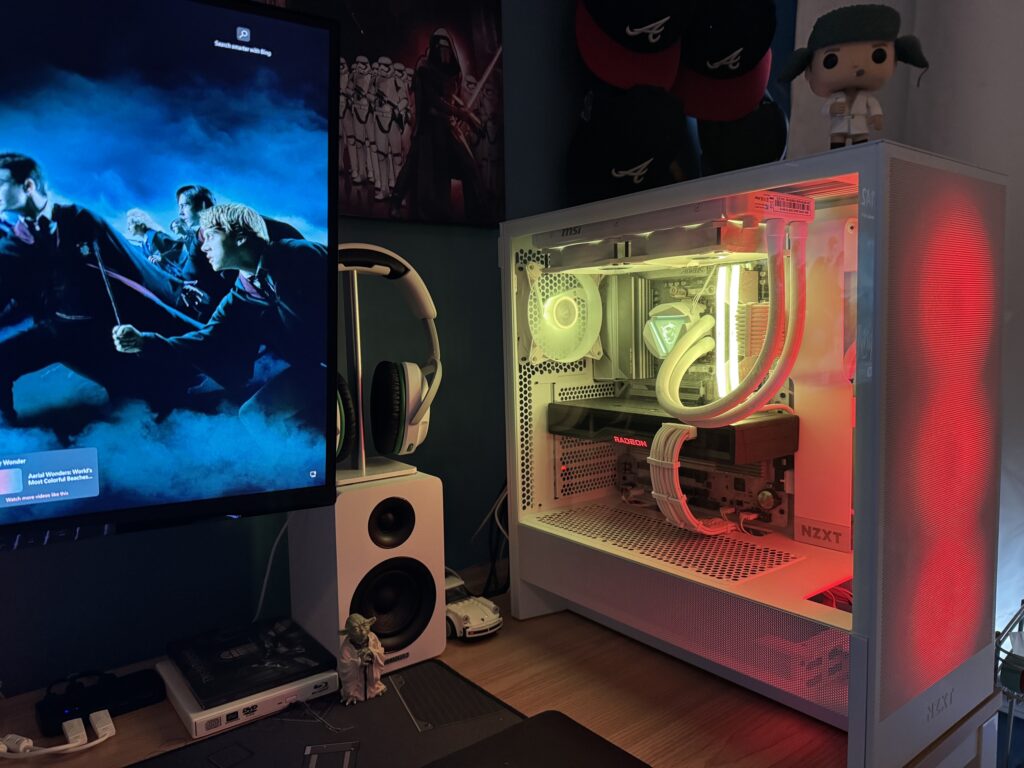
I have recently moved my setup to a new desk and cleaned it up quite a bit. This post will go over my complete computer setup. Again, Mac and PC living together in harmony? WHAT???
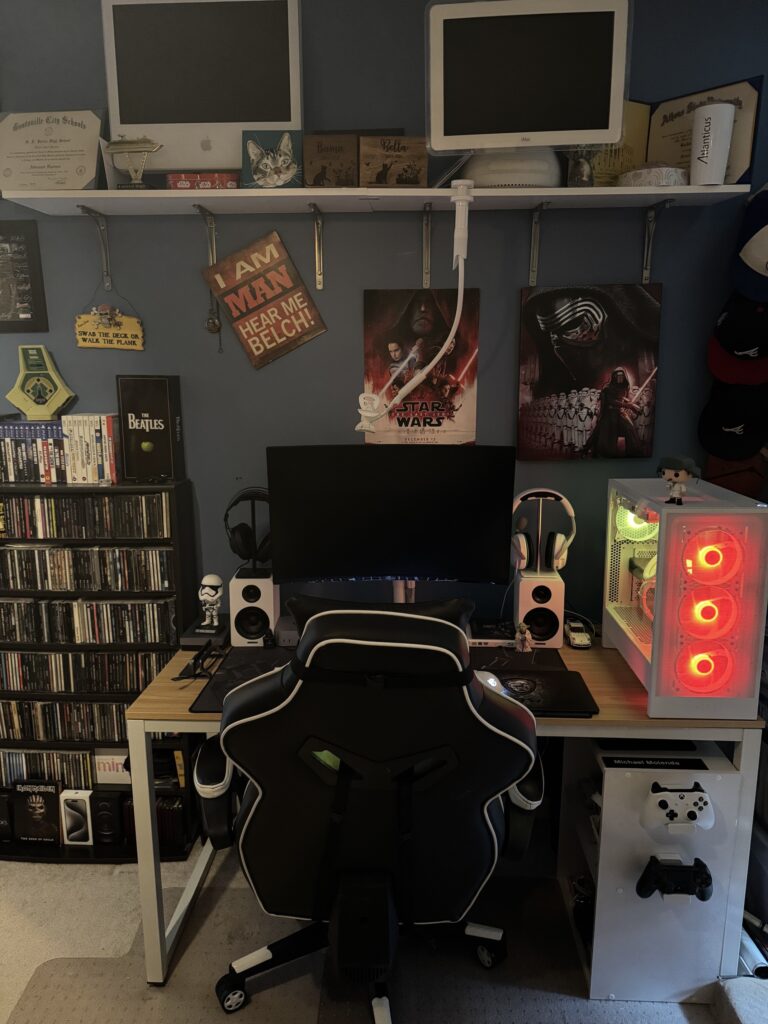
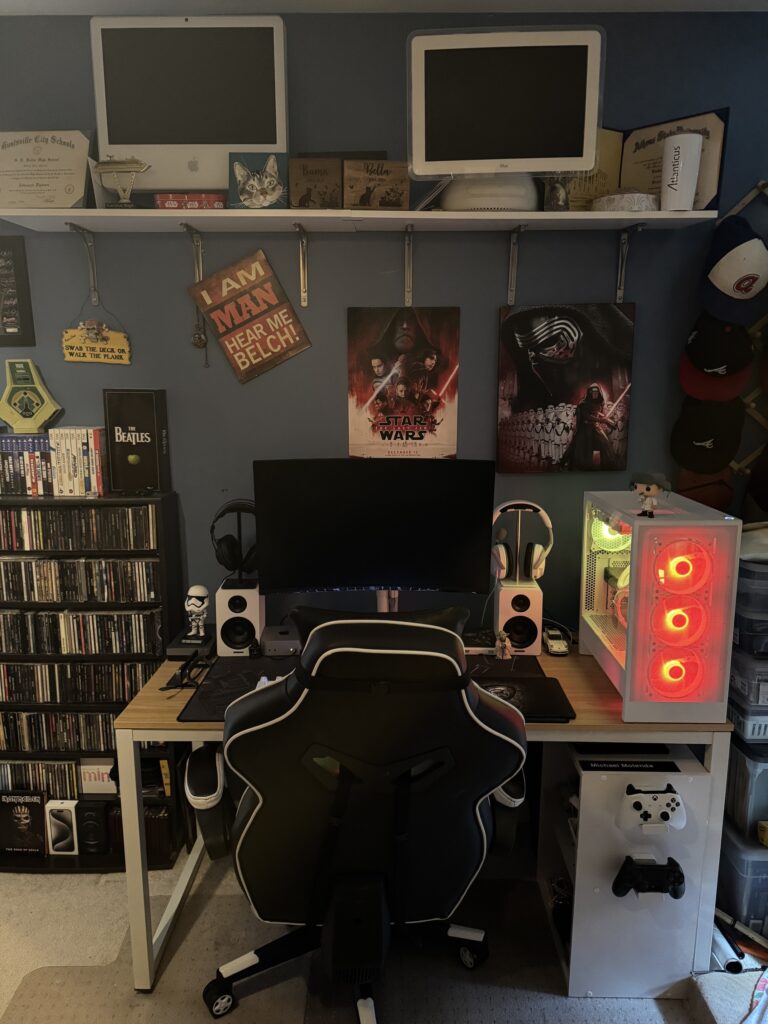
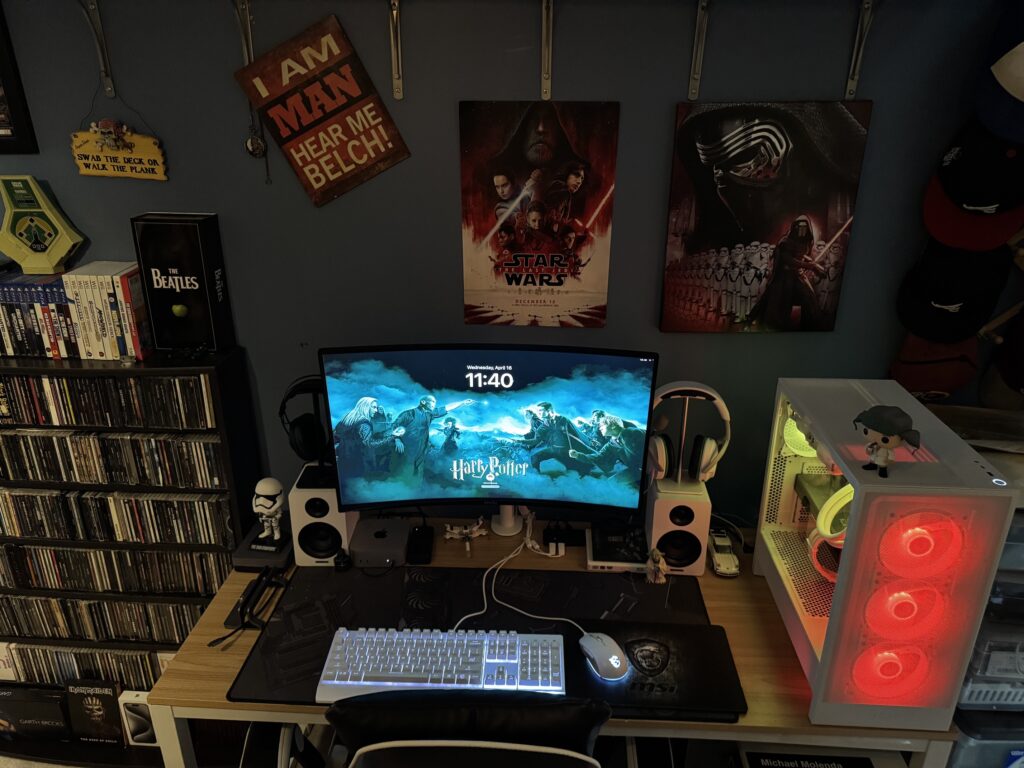
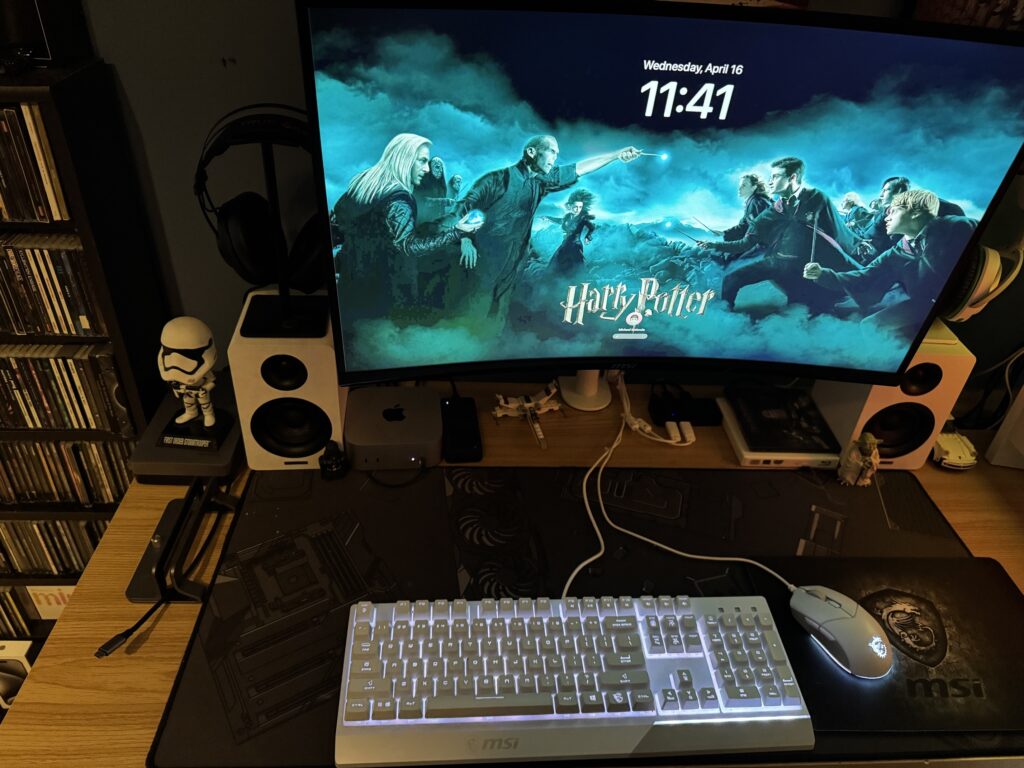
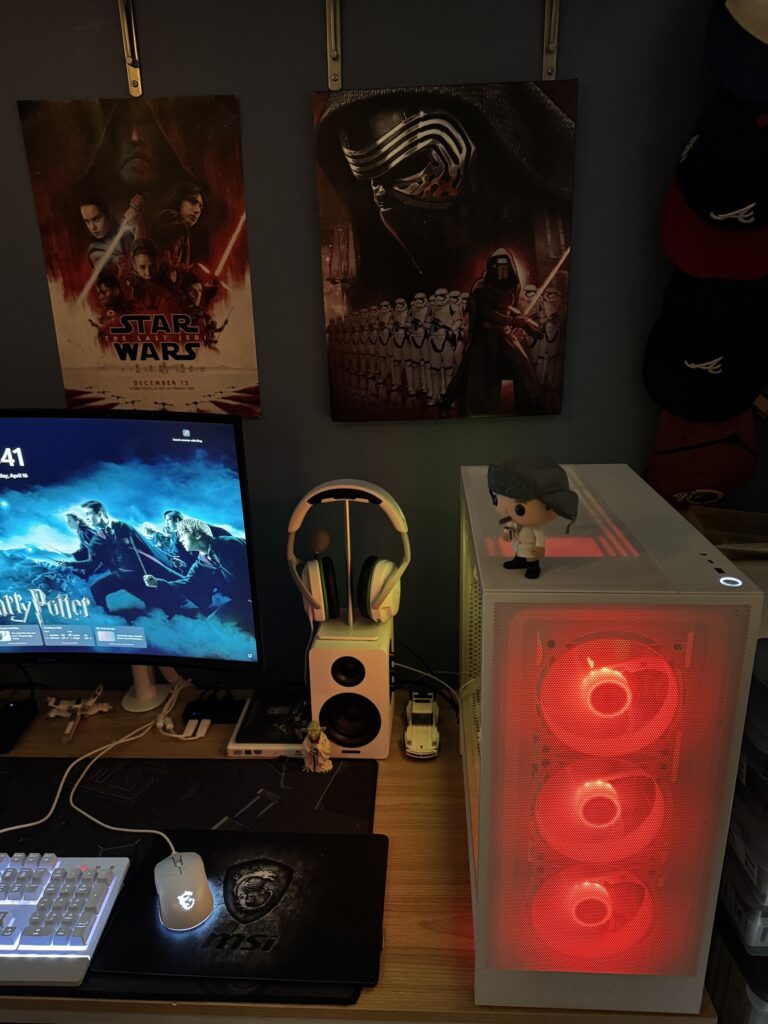
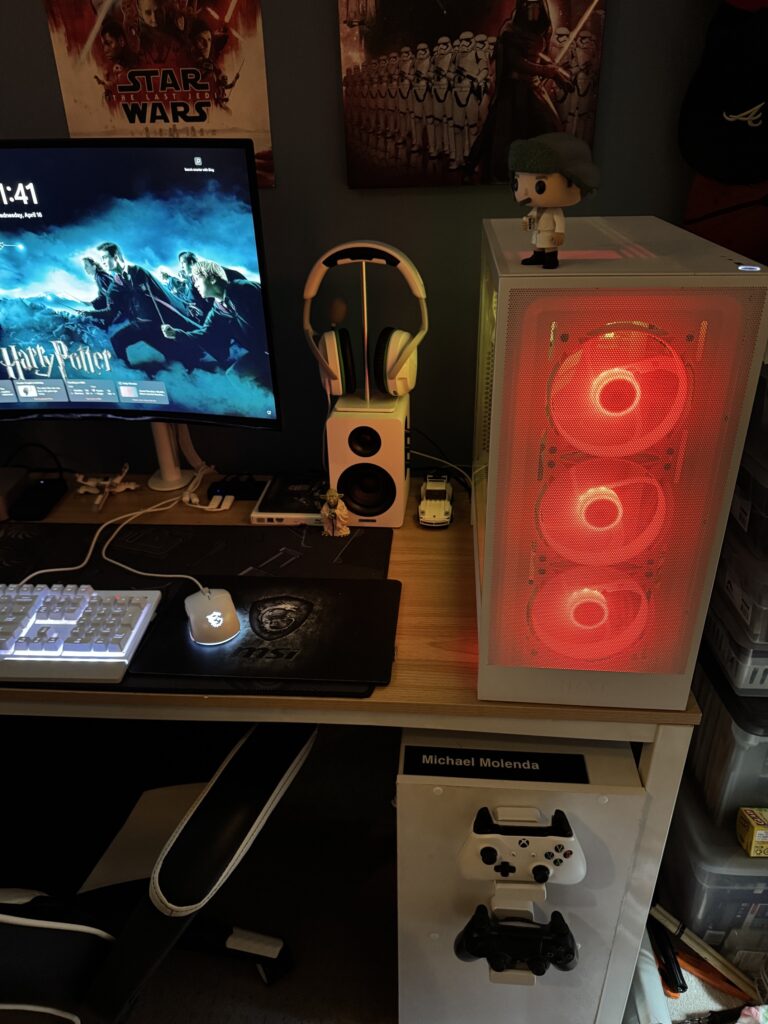
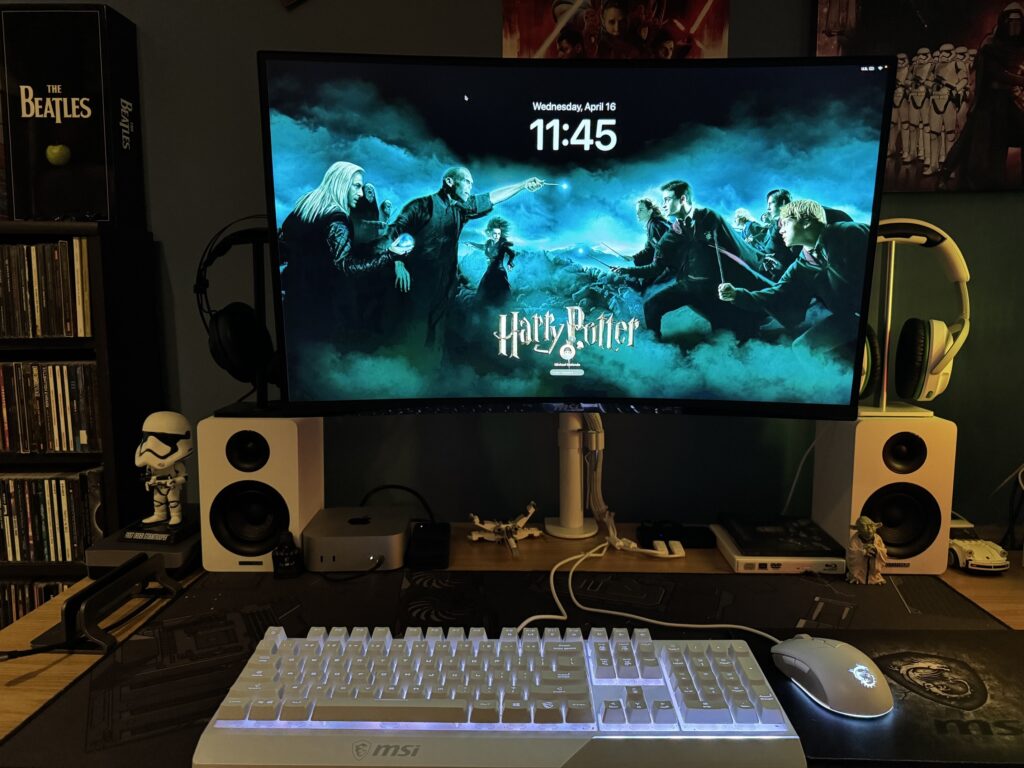
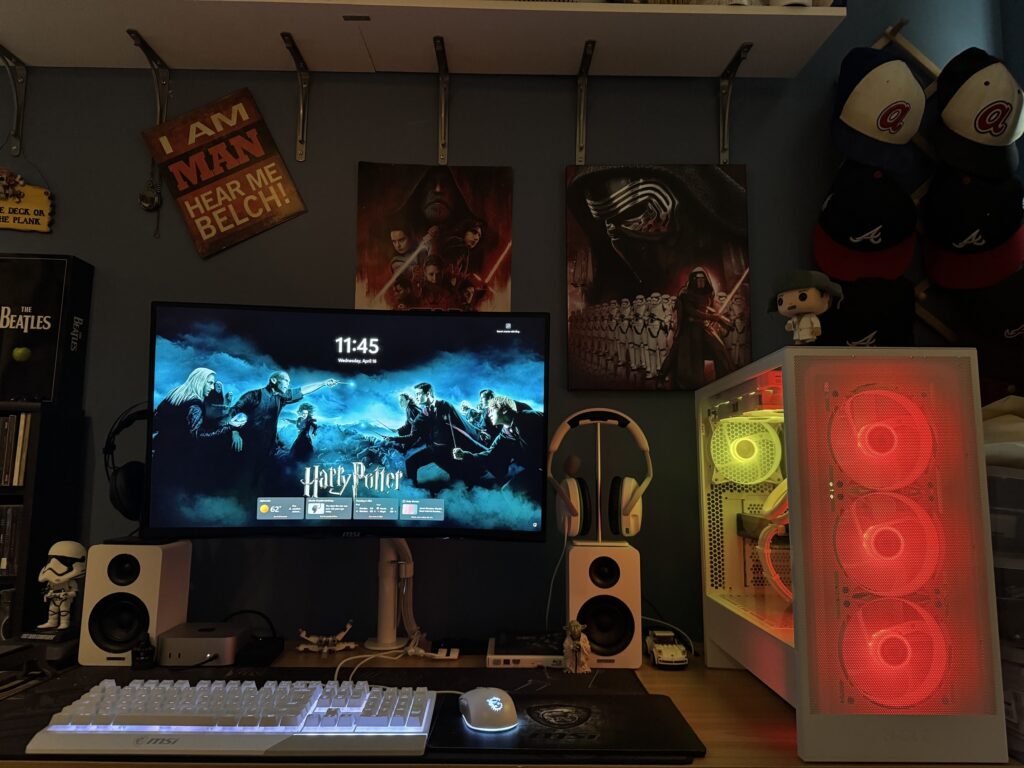
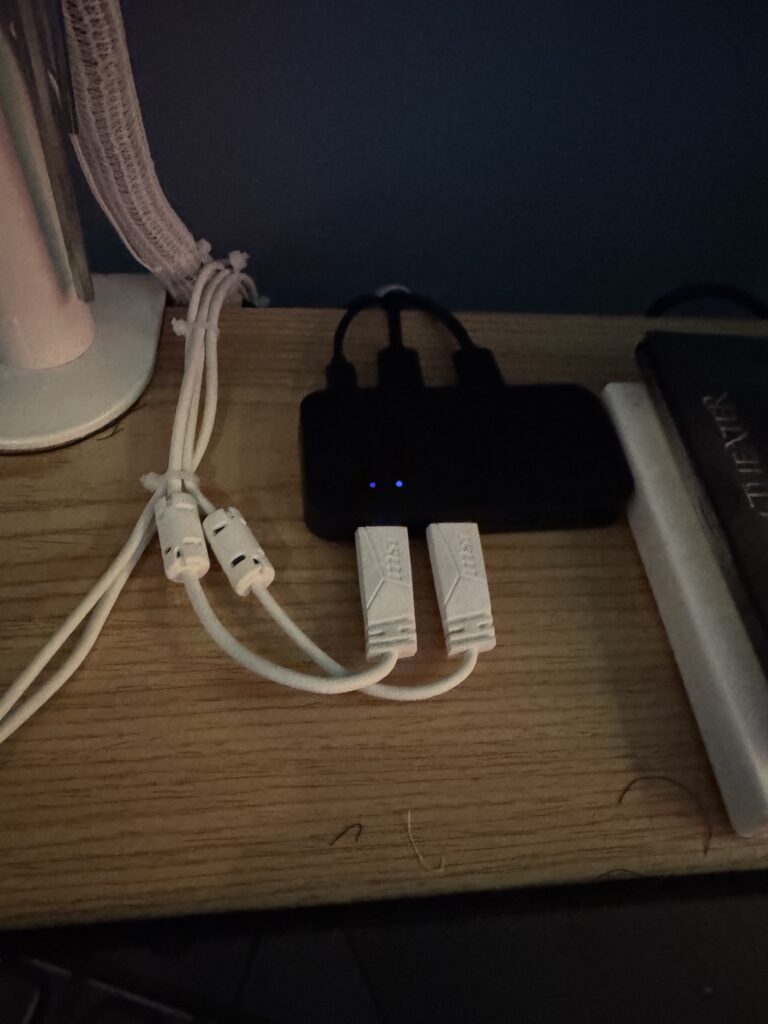
To make it useful for both my Mac and PC, this selector changes output to either the Mac or PC with a click of a button. I also have to change the input on the monitor. This is so much better than having 2 keyboards and I have plans for how to use with my work Mac setup (separate post later) and thus not having 3 keyboards and mice like I did. Great product.
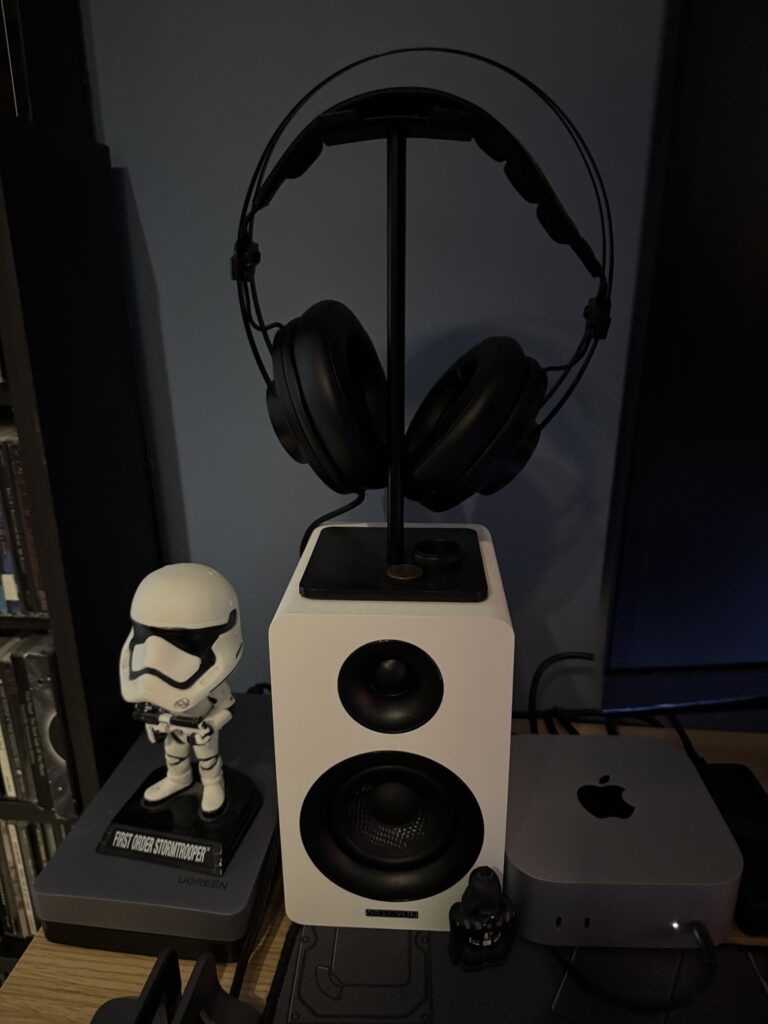
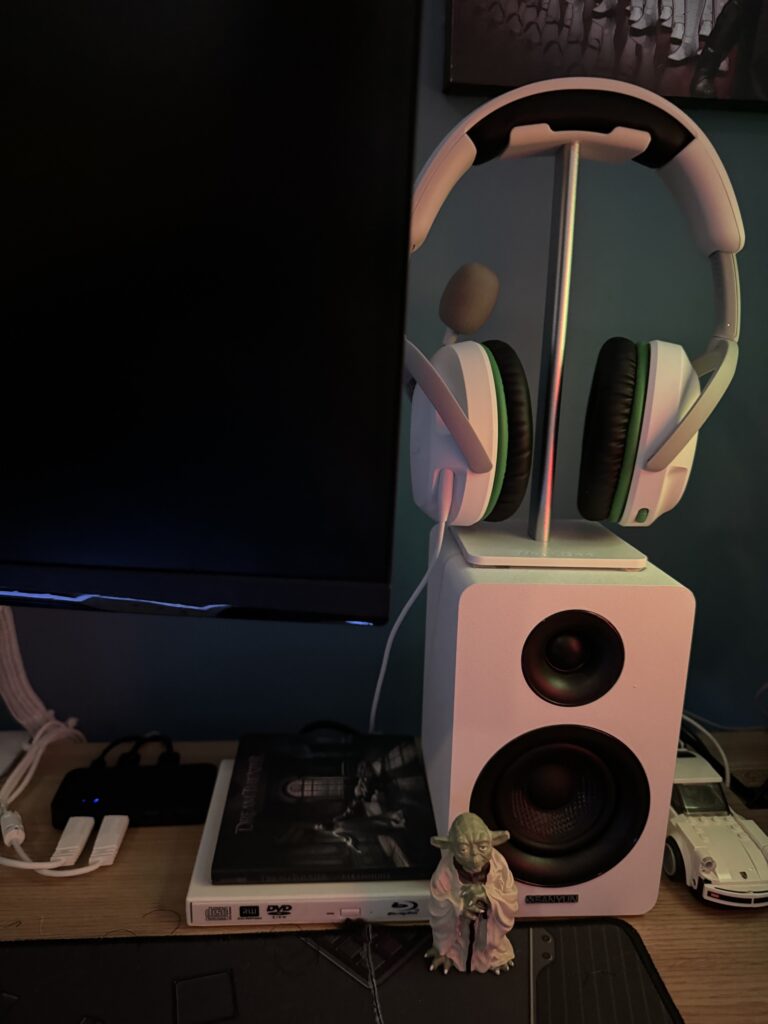
I originally planned a kind of “checkerboard” layout with a black keyboard/mouse next to a white keyboard/mouse with the opposite corner had a white headset or black headset. The desk isn’t wide enough and it wasn’t practical.
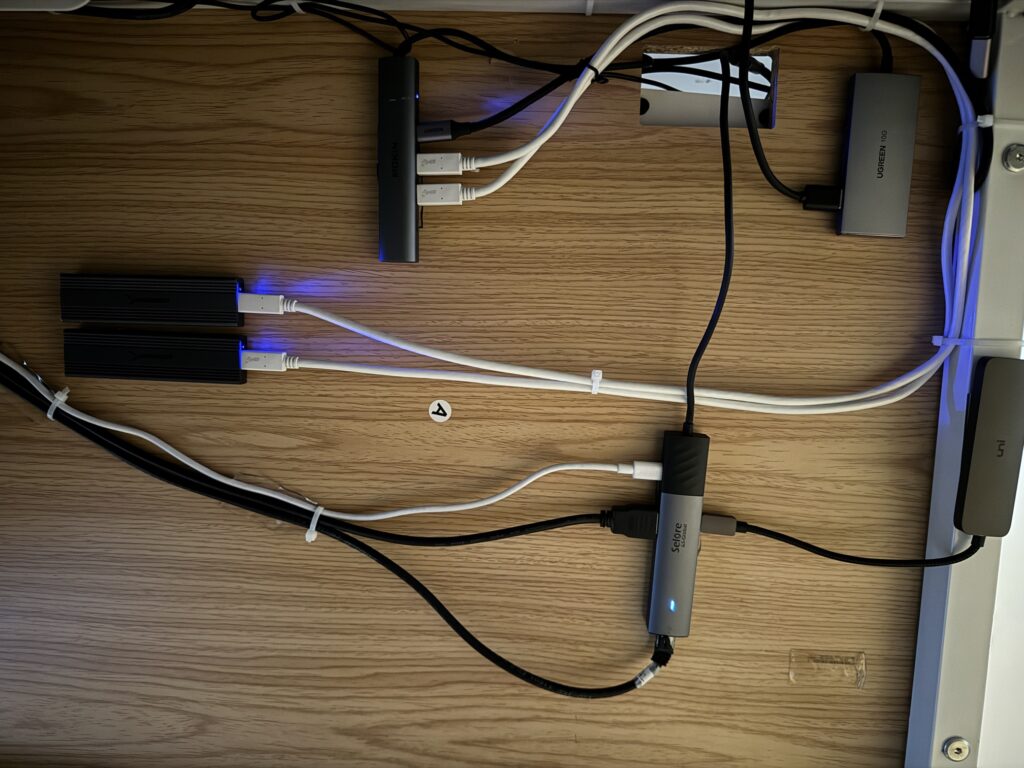
This is all for my Mac setup. I have two USB-C external drives connected to a USB-A/USB-C hub. I have a USB-A hub that is only supporting the USB switch from the top of the desk (I may be able to consolidate hubs… future blog?). Both of these are USB-C to go to the back of the Mini. Separately, I have USB-C hub that goes to the monitor, Ethernet, and yet another USB-A hub to support a keyboard and mouse. All of this because a) the Mac mini does not have any USB-A ports for keyboard/mouse and b) I have 2 external USB-C NVMe drives that have to be connected via a single USB-C connection on the Mac mini. and c) I have a external Time Machine drive connected to the same hub.
Here are some links to the equipment I am using (For full specs, check my What I Use page):
Mac side
Apple Mac mini (M4 base)
UGREEN 40Gbps M.2 NVMe Enclosure with Cooling Fan – Does not include Drive
Sabrent USB 3.2 Type-C Tool-Free Enclosure x2 – Does not include Drives
UGREEN Hard Drive Enclosure for 3.5“ 2.5″ SATA SSD HDD – Does not include Drive
Uni USB-C to 4 USB-A port hub
Mokin USB-C to 4 USB-C port hub
UGreen USB-C to 2 USB-C and 2 USB-A ports hub
MSi H991 Wired Gaming Headset – Black
NewBee Headphone Holder – Black
Sony DualShock 4 Controller – Jet Black
Shared
MSI G272QPF E2 27″ 2K QHD (2560 x 1440) 180Hz Gaming Monitor
Benefi USB-A 4 ports to 2 ports switch
MSI Vigor GK30 Gaming Mouse and Keyboard Combo – White
Bitwit Desk Mat – No longer available
MSi GD20 Premium Gaming Mouse Pad
Vivo Single Monitor Arm Desk Mount
PC Side
Sanyun SW208 3″ Active Bluetooth 5.0 Bookshelf Speakers
HyperX HyperX Cloud Stinger 2 Core – Gaming Headset
NewBee Headphone Holder – White
Microsoft Xbox One Controller – White
A host of PC parts from Microcenter…
Future plans include
* Consolidation of USB hubs on the Mac side
* Sharing of speakers on the PC side (Speakers are USB 2.0)
* Blog post on the Work Mac side