Skip to content

Technical Paradise

Where Tech Isn't So Technical…

Menu
  • Michael Molenda’s Resume
  • What I Use
Menu

My Build: Making it More Aesthetically Pleasing

Posted on February 18, 2024February 18, 2024 by Michael Molenda

I have become obsessed with my PC Build. I love building PCs and upgrading my PC. I am a most of the time Mac user, but I do use my PC from time-to-time. Mostly for playing games. After 2.5 years at Fry’s and building over 100 PC’s, I had to have my own and it has evolved over time. This is the latest iteration.

My build is almost pure white on the inside. The only parts that are not are: GPU, AIO Liquid Cooler, and Fans. The GPU is expensive to replace, but the other parts are not. And those are the ones I am going to replace.
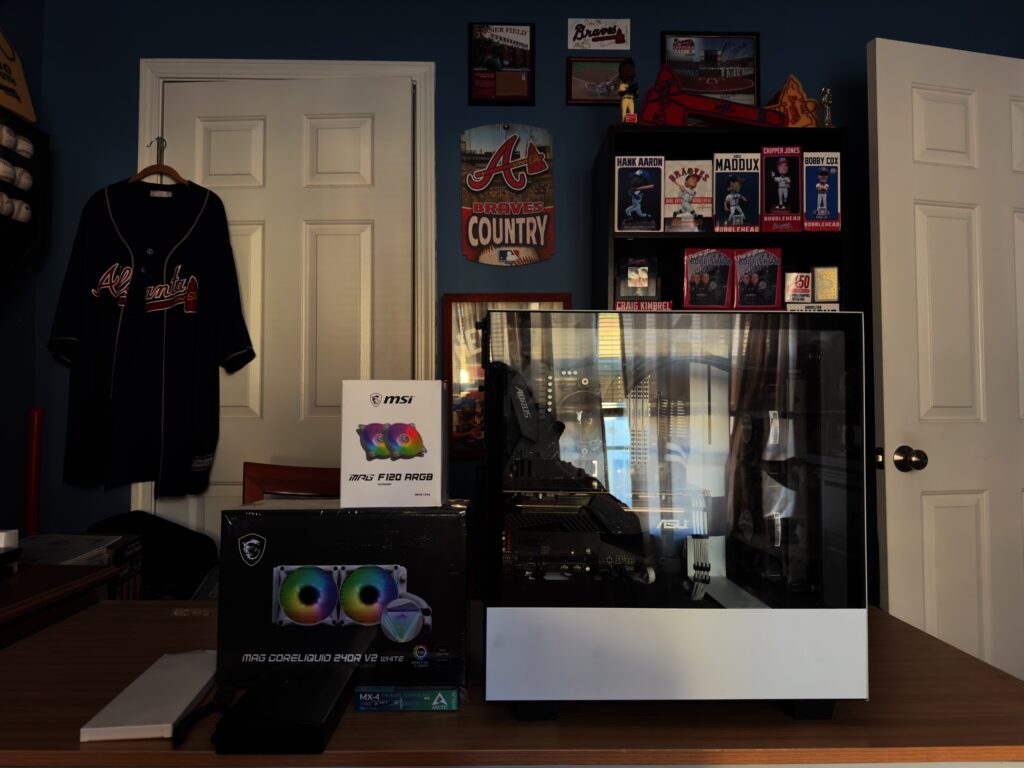
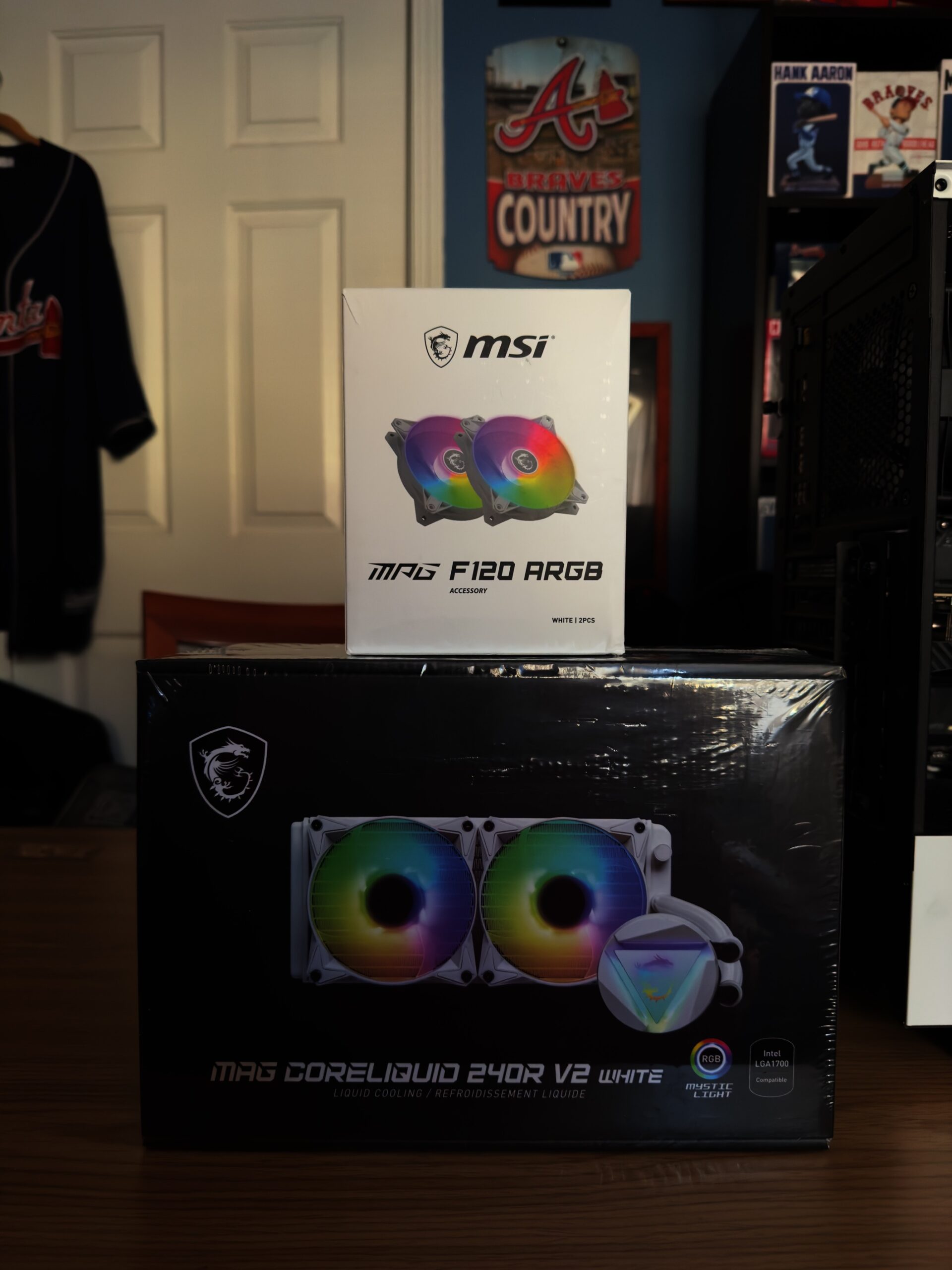
The Parts:
MSi MPG F120 RGB Fans (2)
MSi MAG CoreLiquid 240R V2 (White)
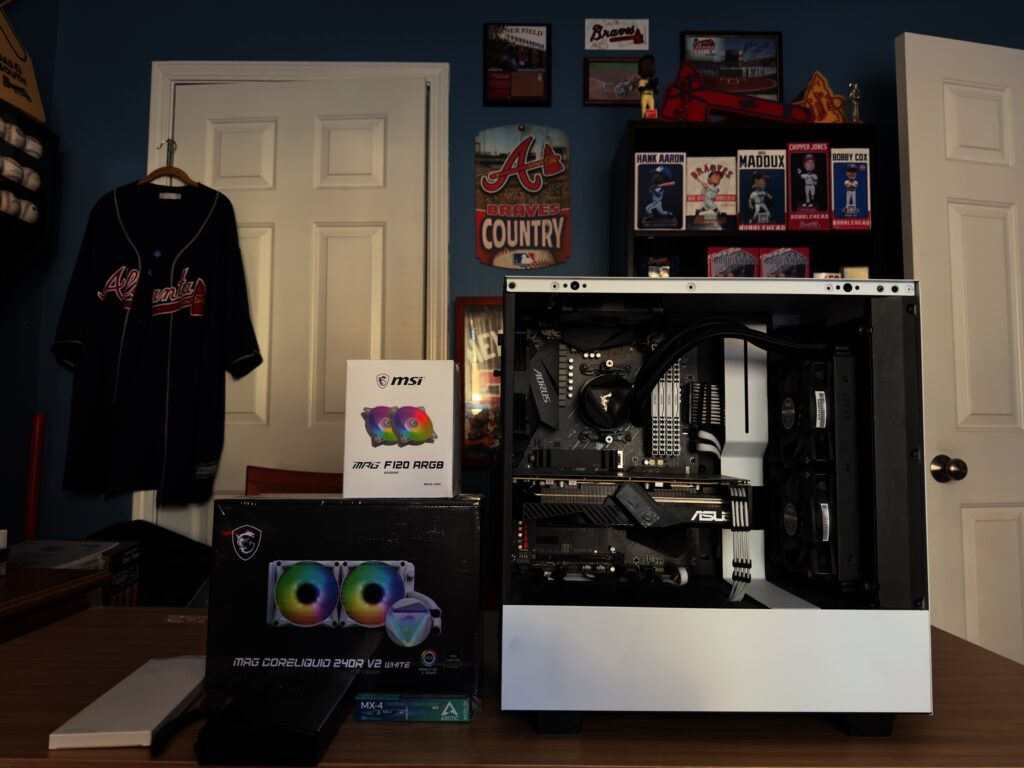
A better view with the side panel off.
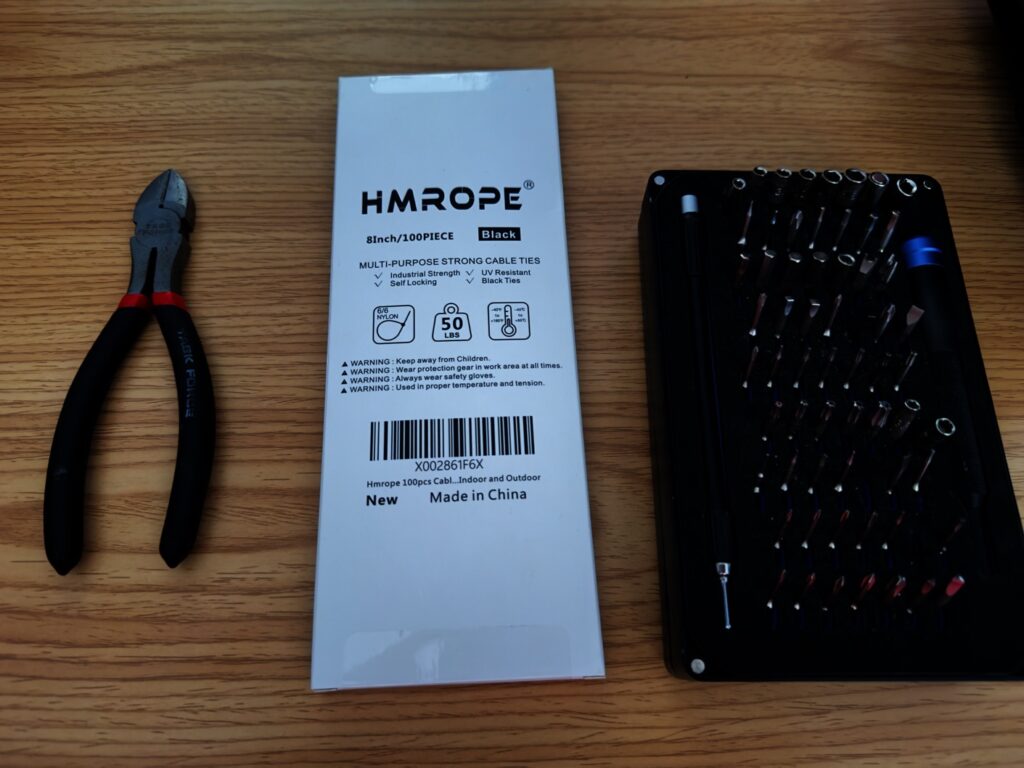
The tools I will be needing are:
Zip Ties
iFixit Screwdriver Kit
Cutters
Thermal Paste. I use Arctic MX-4 thermal paste.
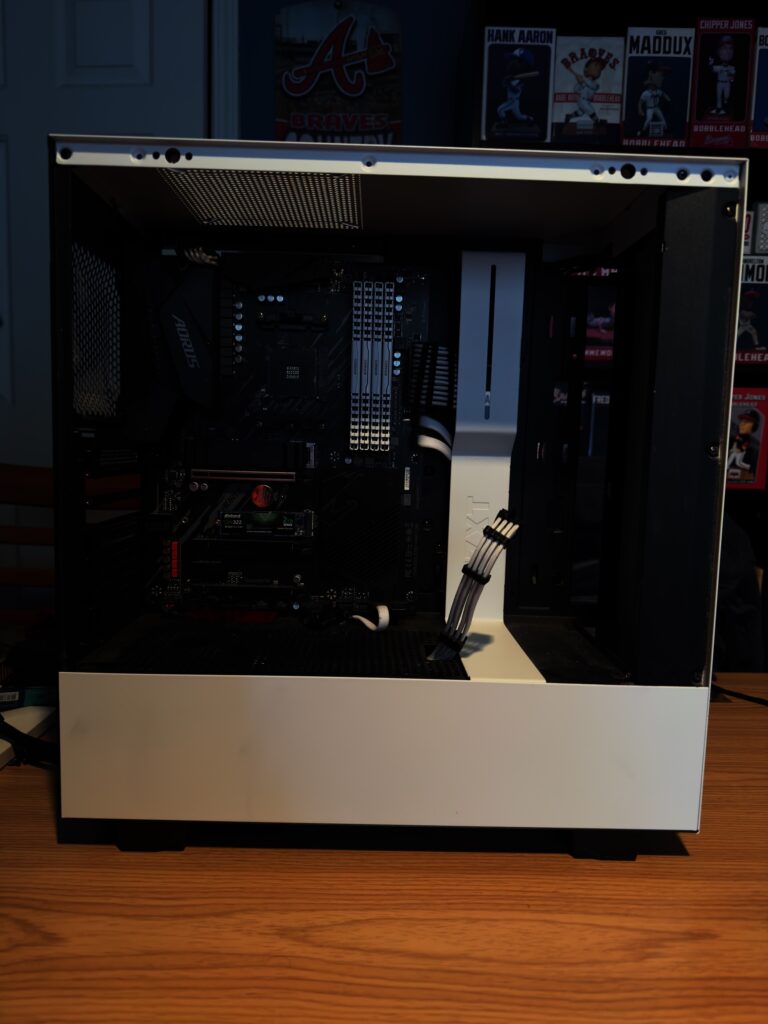
The old AIO and fans removed. I also temporarily removed the GPU to get it out of the way.
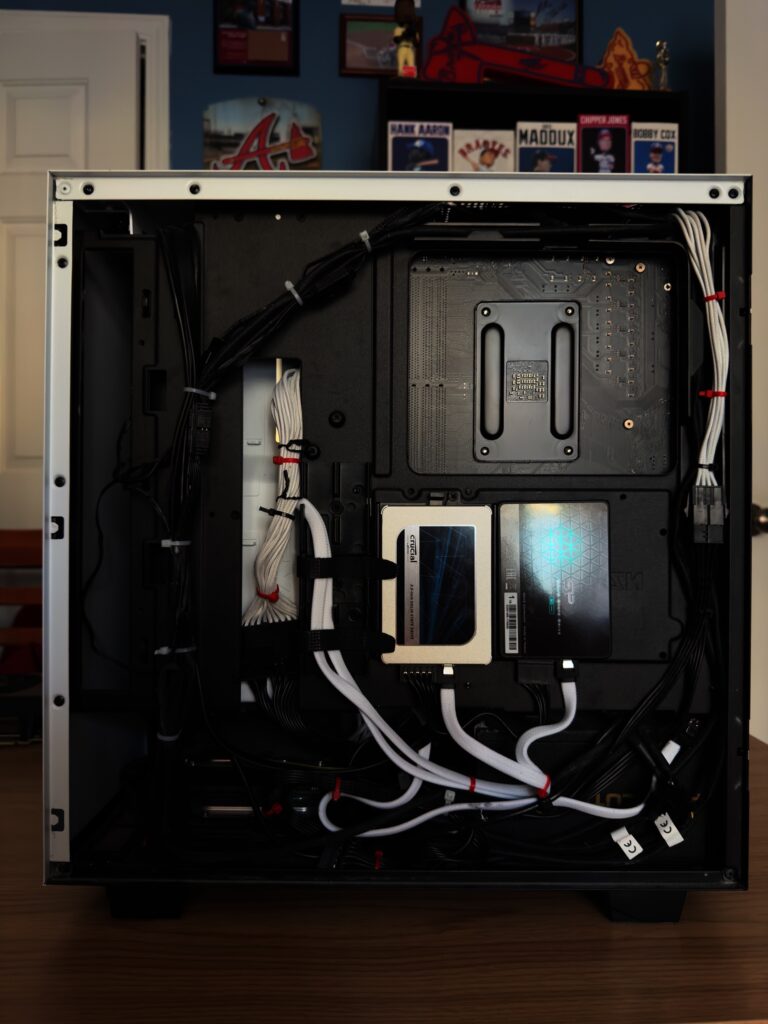
My Wire mess from the installation of the SSD’s that are in place of using the mechanical drives. While I am replacing the other parts, I am going to finally remove the mechanical drives from the case.
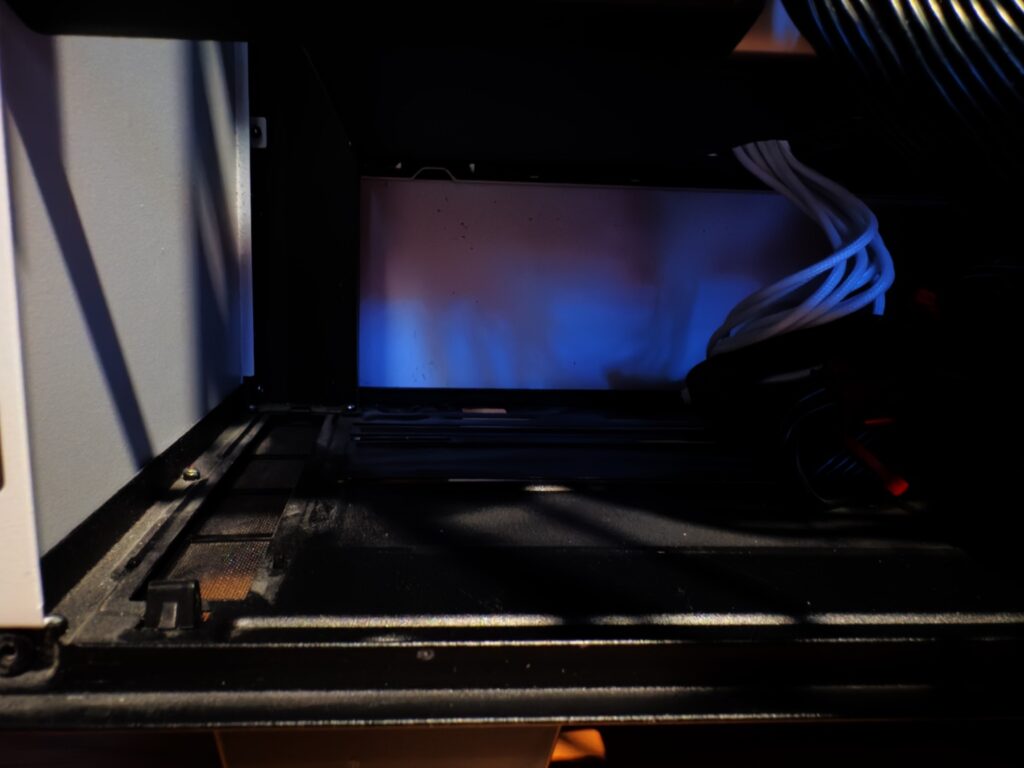
Mechanical drives and cage removed. Time to dust…
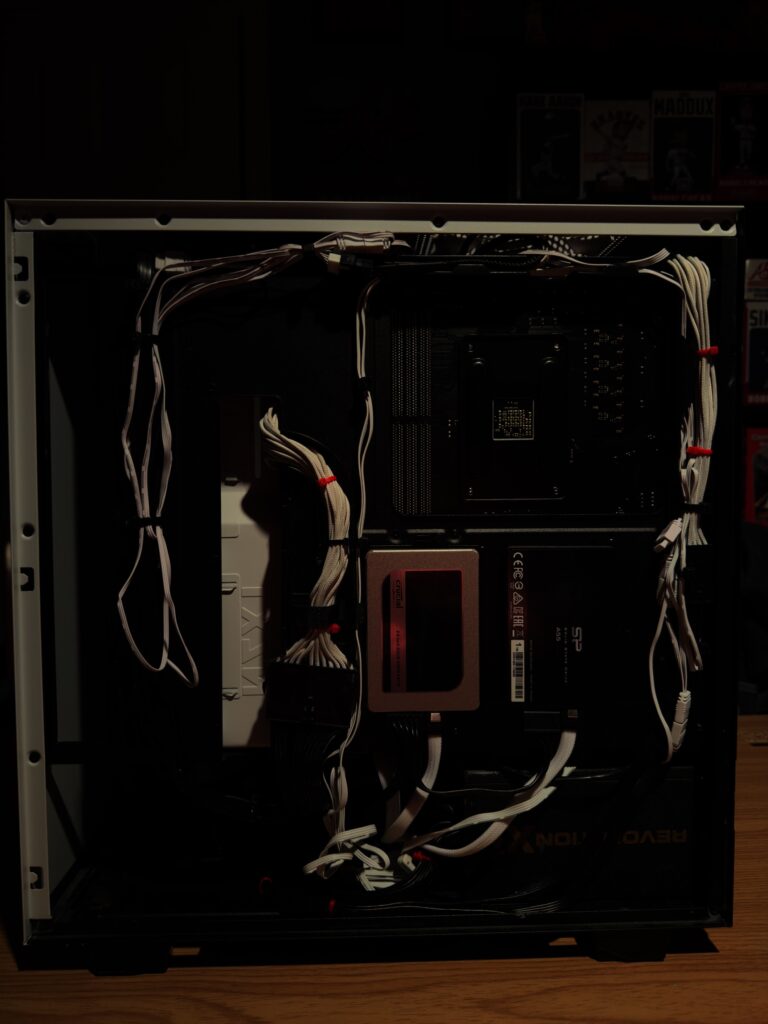
Newly wired in all of the new components. I try to be neat with my cable management, but somehow I have always done better with other people’s builds than my own.
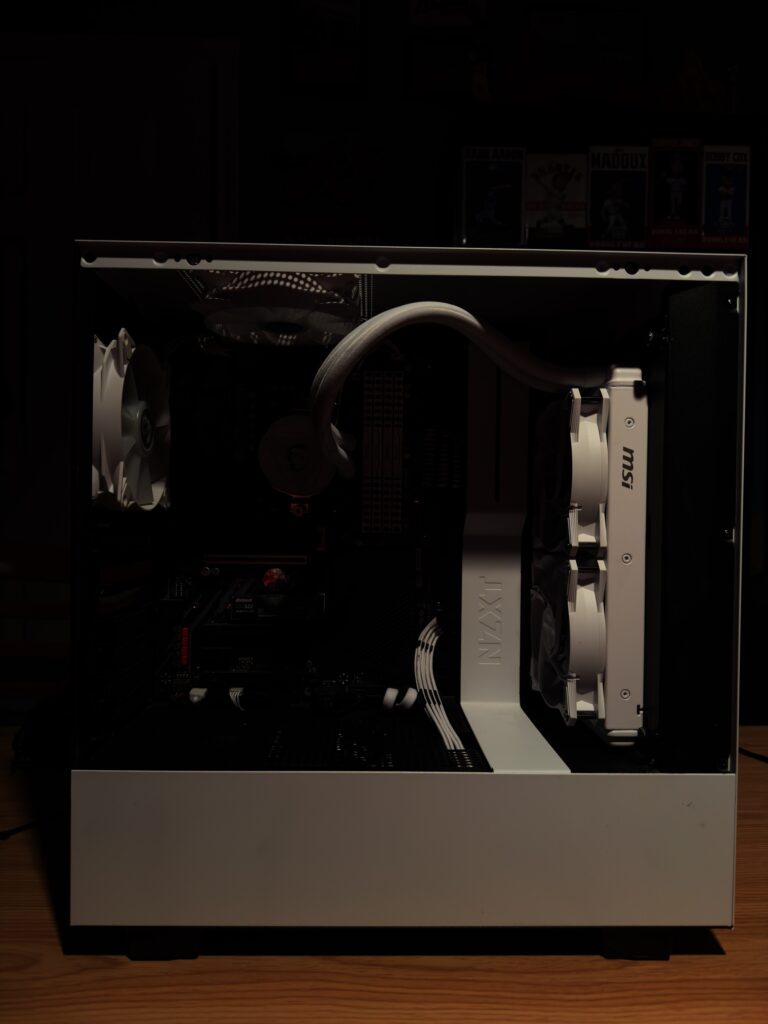
New Parts installed. Looking great. So happy with how it turned out. Time to re-install the GPU and turn it on. Set my colors. For that, I wired the CPU block in with the fans on that side of the PC rather than with the fans on the AIO. That way, there is separation of colors. That is something else I planned to achieve here.
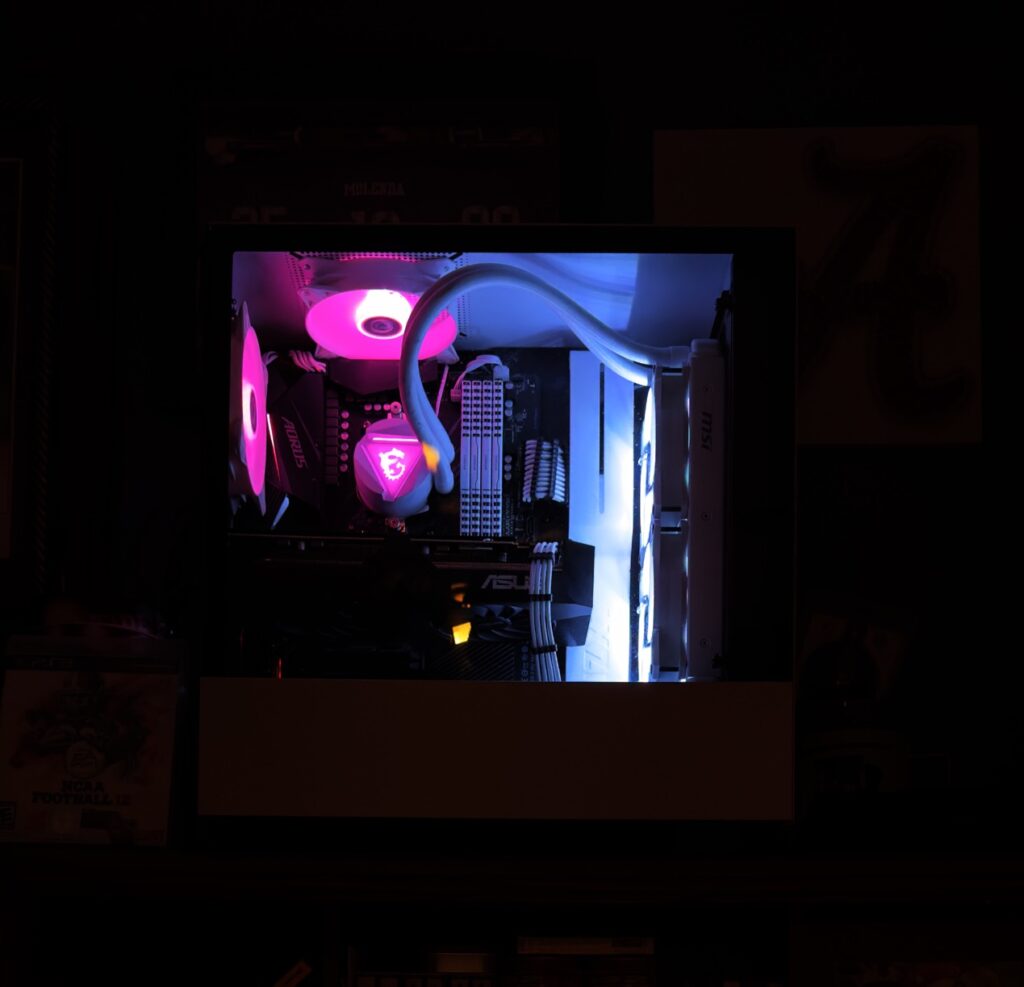
I am so happy with how this came out.

NOTE: Since this was done, I have re-done the color scheme but still looks equally as fantastic. Now, only need to either replace the GPU or find somebody who can paint this GPU white. I am not sure how that would look, though… cheap or good.

Thanks for viewing my blog post. Stay tuned for the next one.

Recent Posts

  • Installing a Contact Frame
  • My Brief Home/Work Setup
  • Office Tour 2026 [u]
  • My New Home/Work Setup
  • My New Desk Setup

Recent Comments

    Archives

    • June 2026
    • May 2026
    • April 2025
    • July 2024
    • April 2024
    • March 2024
    • February 2024
    • November 2023
    • July 2023
    • June 2023
    • May 2023
    • April 2023
    • March 2023
    • February 2023
    • October 2022
    • September 2022
    • August 2022
    • June 2022
    • May 2022
    • September 2021
    • April 2021
    • March 2021
    • February 2021
    • January 2021
    • December 2020
    • November 2020
    • October 2020
    • September 2020
    • July 2020
    • June 2020
    • May 2020
    • March 2020
    • February 2020
    • September 2019
    • August 2019
    • July 2019
    • March 2019
    • October 2018
    • September 2018
    • August 2018

    Categories

    • 5G
    • Active Directory
    • AMD
    • AMD Radeon GPU
    • AMD Ryzen
    • Apple
    • Apple Silicon
    • Bio
    • CPU
    • Custom Build
    • Dell
    • Desktop Repair
    • Fry's
    • Fry's Builds
    • Gaming
    • Graphics Cards
    • HP
    • Intel
    • iOS/iPadOS
    • Laptop PC
    • Laptop Repair
    • Learning Series
    • Lenovo
    • macOS
    • MSi
    • My Build
    • nVidia
    • Office Setup
    • PC Parts
    • Personal Computer History
    • Ramble
    • Rant
    • Review
    • Switching to Apple Silicon
    • Threadripper
    • Toshiba
    • Unboxing
    • Virtual Machines
    • Windows 10
    • Windows 11
    • Windows Server 2016

    Meta

    • Log in
    • Entries feed
    • Comments feed
    • WordPress.org
    © 2026 Technical Paradise | Powered by Minimalist Blog WordPress Theme