Case
I decided that I wanted to get the first case that I really wanted and should have bought when I did my build initially. I said then that if I were to ever build a PC, that this is the case. Just something classy looking about this case and I have finally been able to buy and build my PC in this case. I present to you … the NZXT H510!
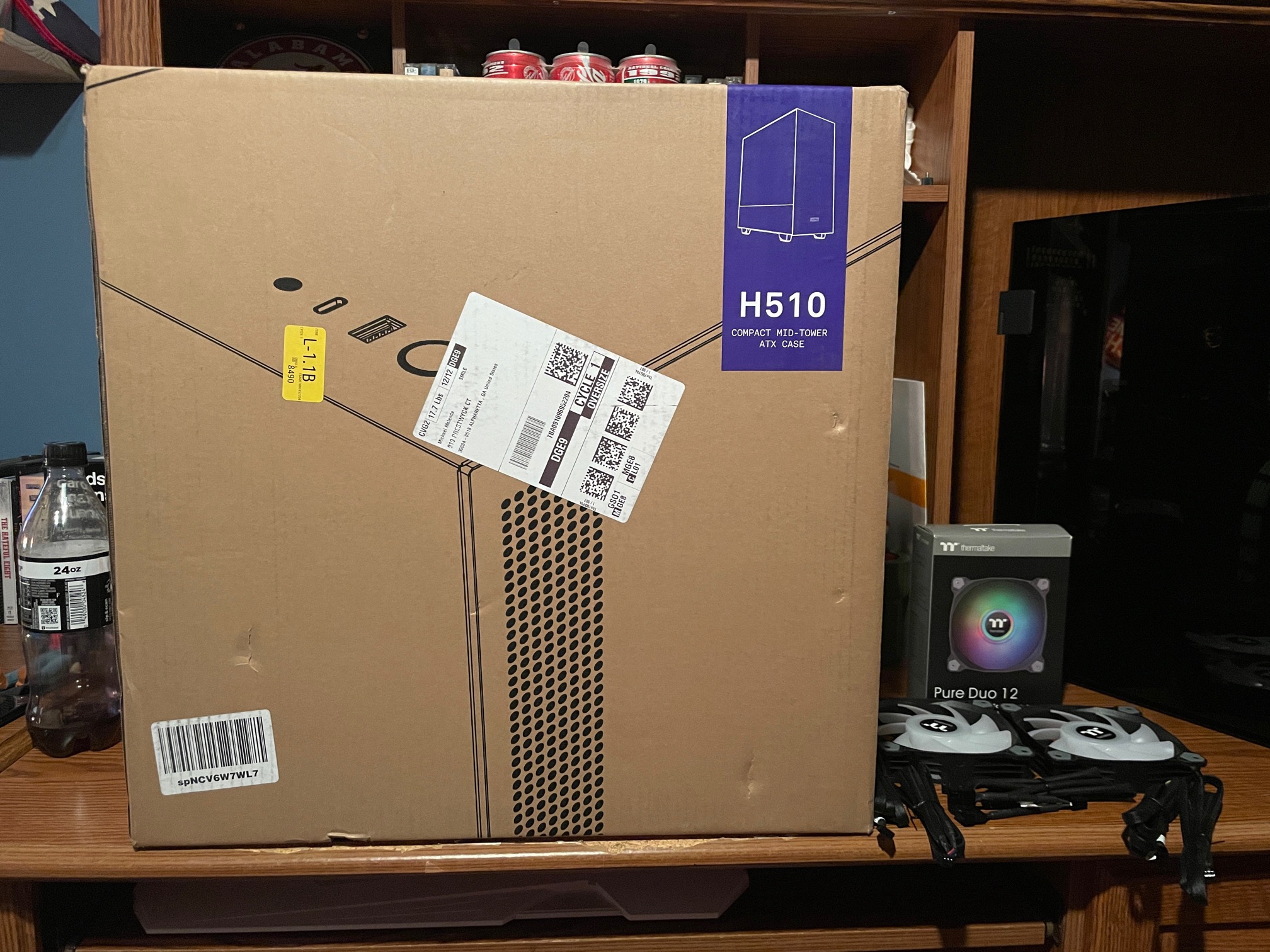
This is the box…oh, I had bought new RGB fans for the old case that I decided to just put in the new case… and in this case, they shine. Case closed! 🙂
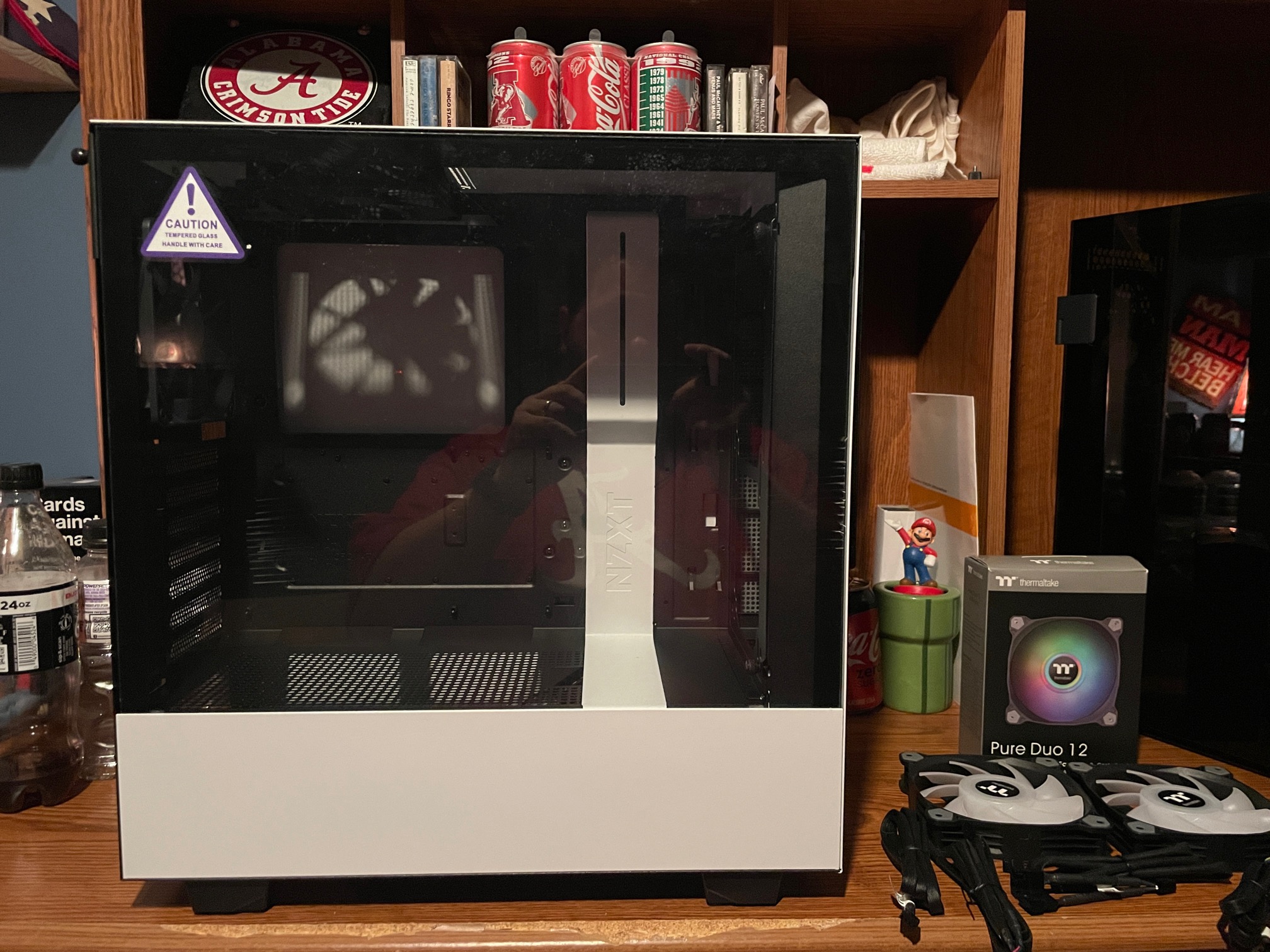
Here it is. I have built in this case several times at Fry’s and I built a PC for my nephew in this, but in black. I always wanted the white case. It’s kind of hard to point out what I like about it so much, but I think it screams classy.
The first thing I did was remove the old case fans that come with it and replace them with the RGB fans. The good part about RGB is the neat lighting you can achieve, the bad thing is the extra wiring that is needed. Just look at those. Thermaltake has extra long cables, too….
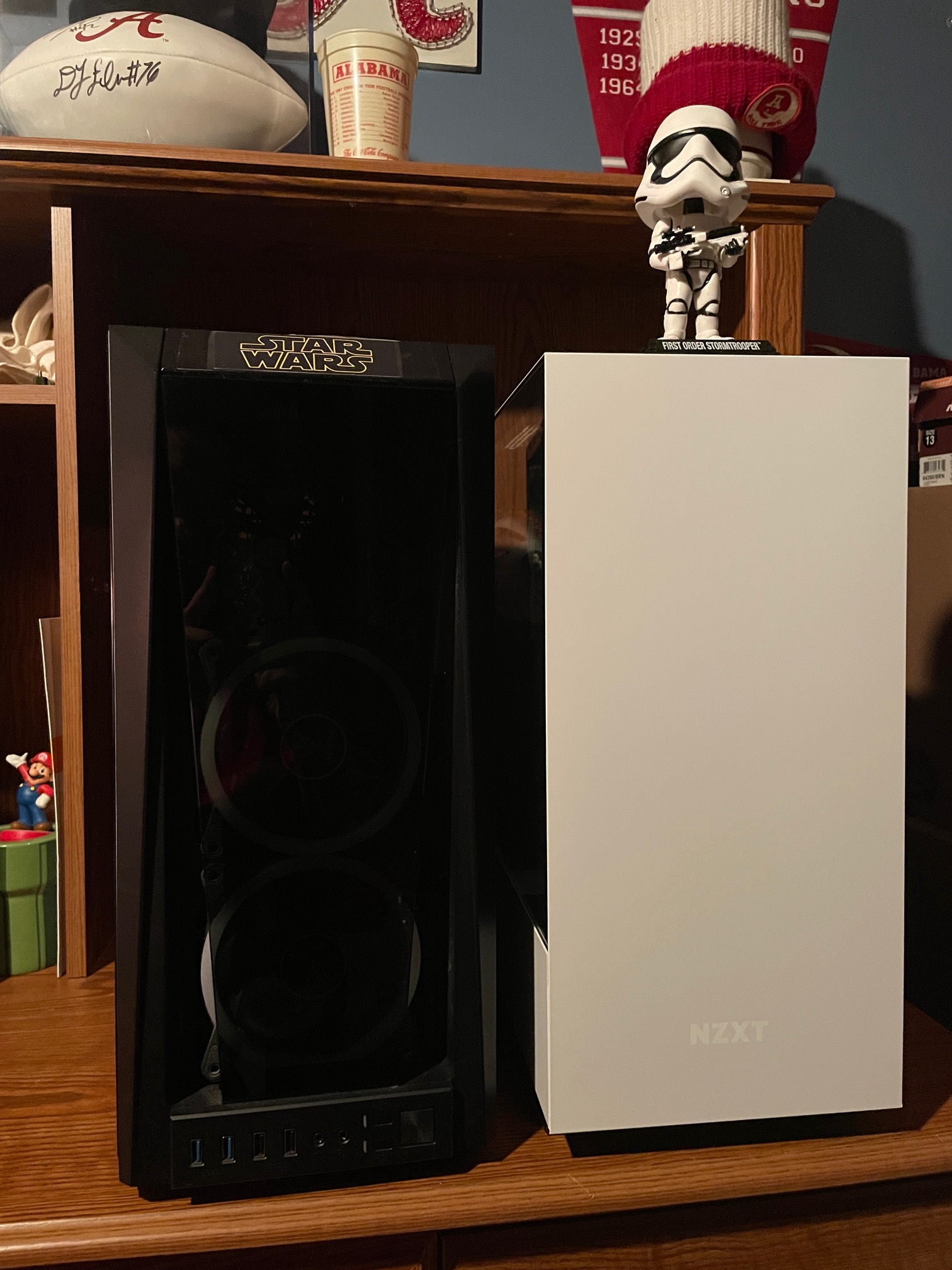
Old Case vs New Case. The Gamdias case is a good case, it really is. But it’s time for my components to find a permanent home in the NZXT case.
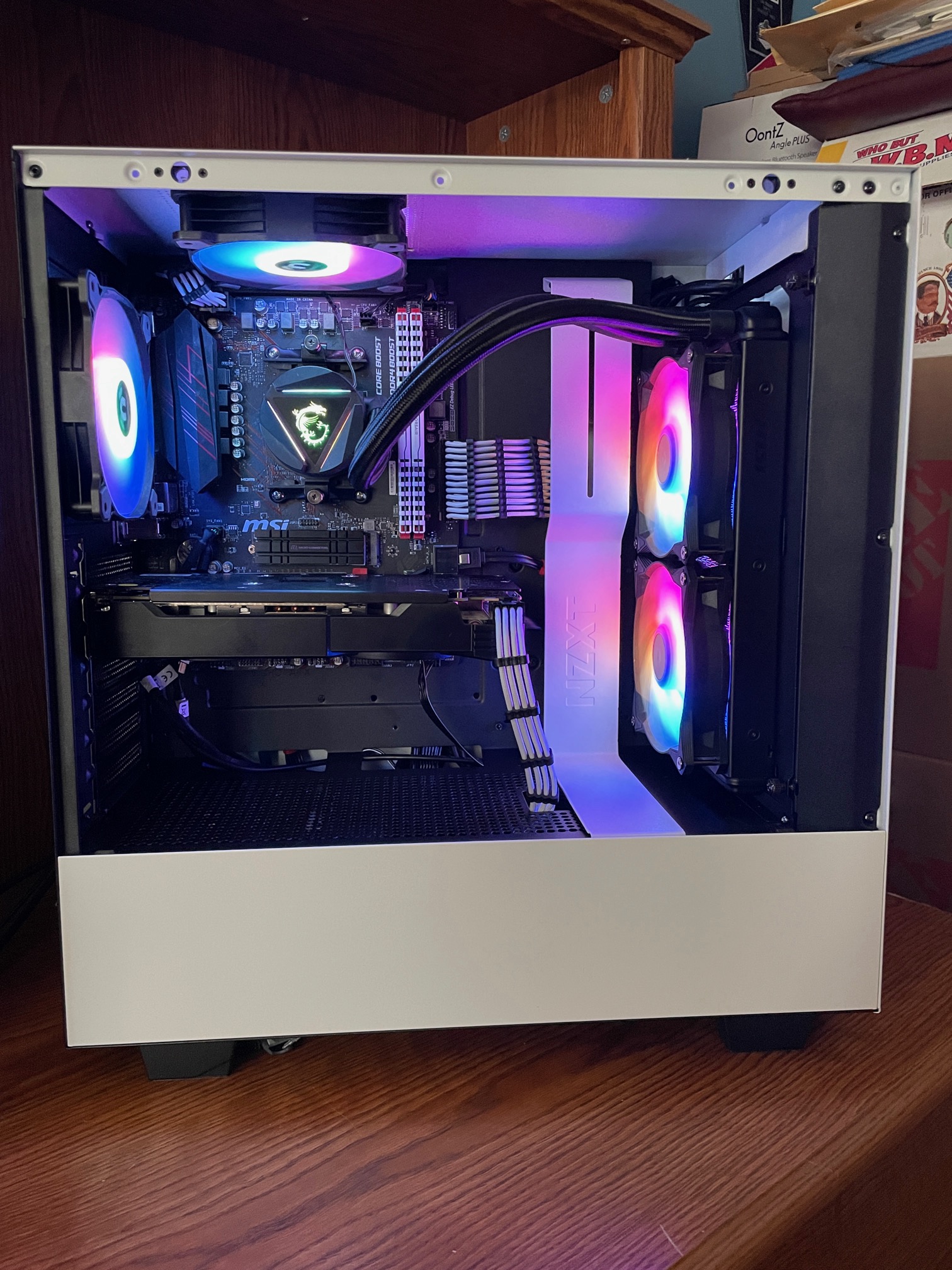
Even though, I don’t keep the fans in this rainbow effect, they look fantastic. You’ll see in a minutes how I eventually changed them.
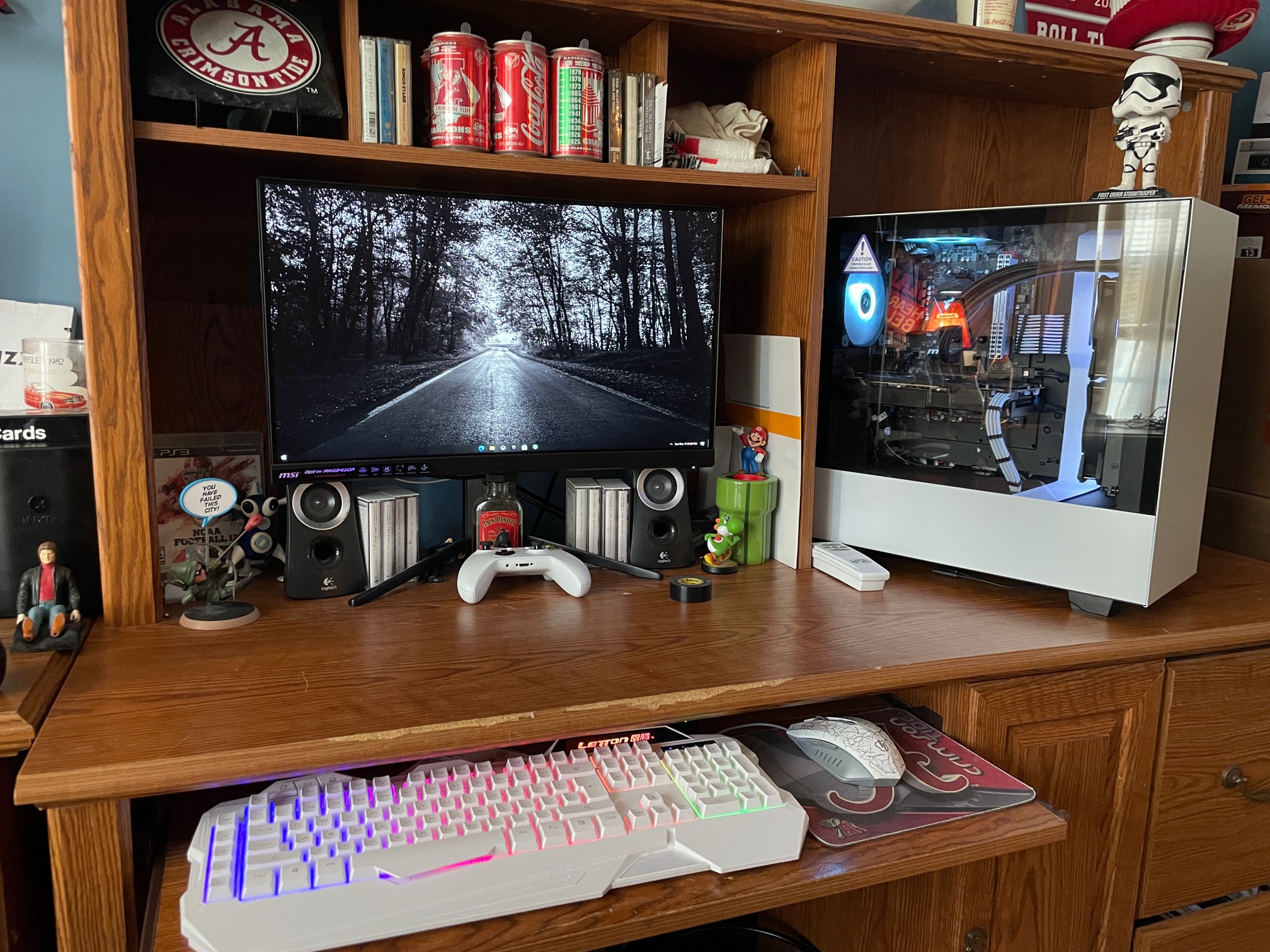
Yup, white. This really cool in motion. The keyboard and mouse are RGB the case is white, but the keyboard is white. Doesn’t have to all match. But this looks pretty good. The stormtrooper doesn’t fit so well inside the case, so he can just be on the outside!
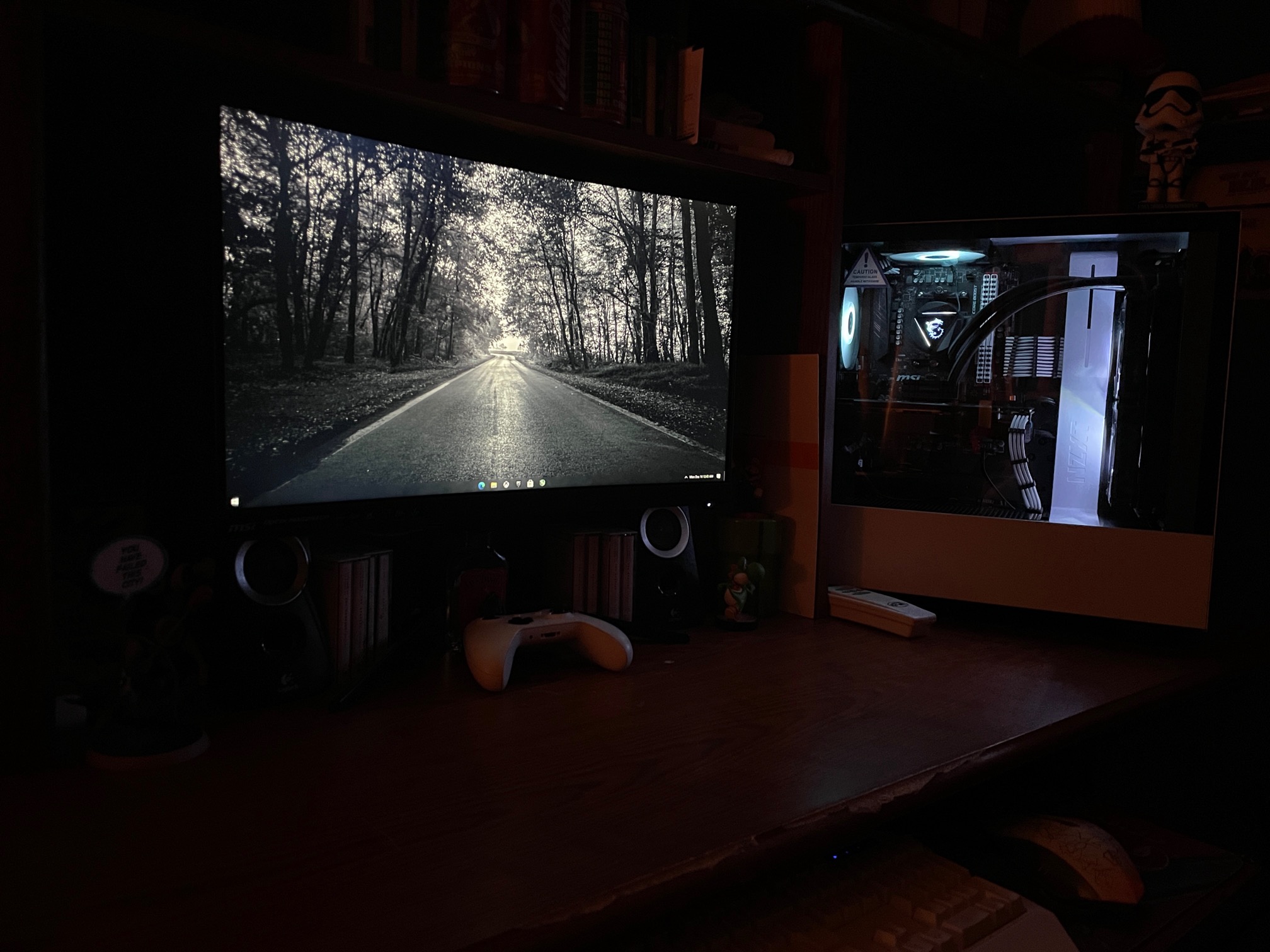
Here it is in the dark…. Very sharp and classy.
New Video Card
So, I was able to a) find a video card that wasn’t being price gouged and b) that was affordable. I am not about these high-end $700-$1000 video cards. I don’t believe that any gaming I do justifies this type of price for a video card when you can build a decent system for $1000 or so, not just one component.
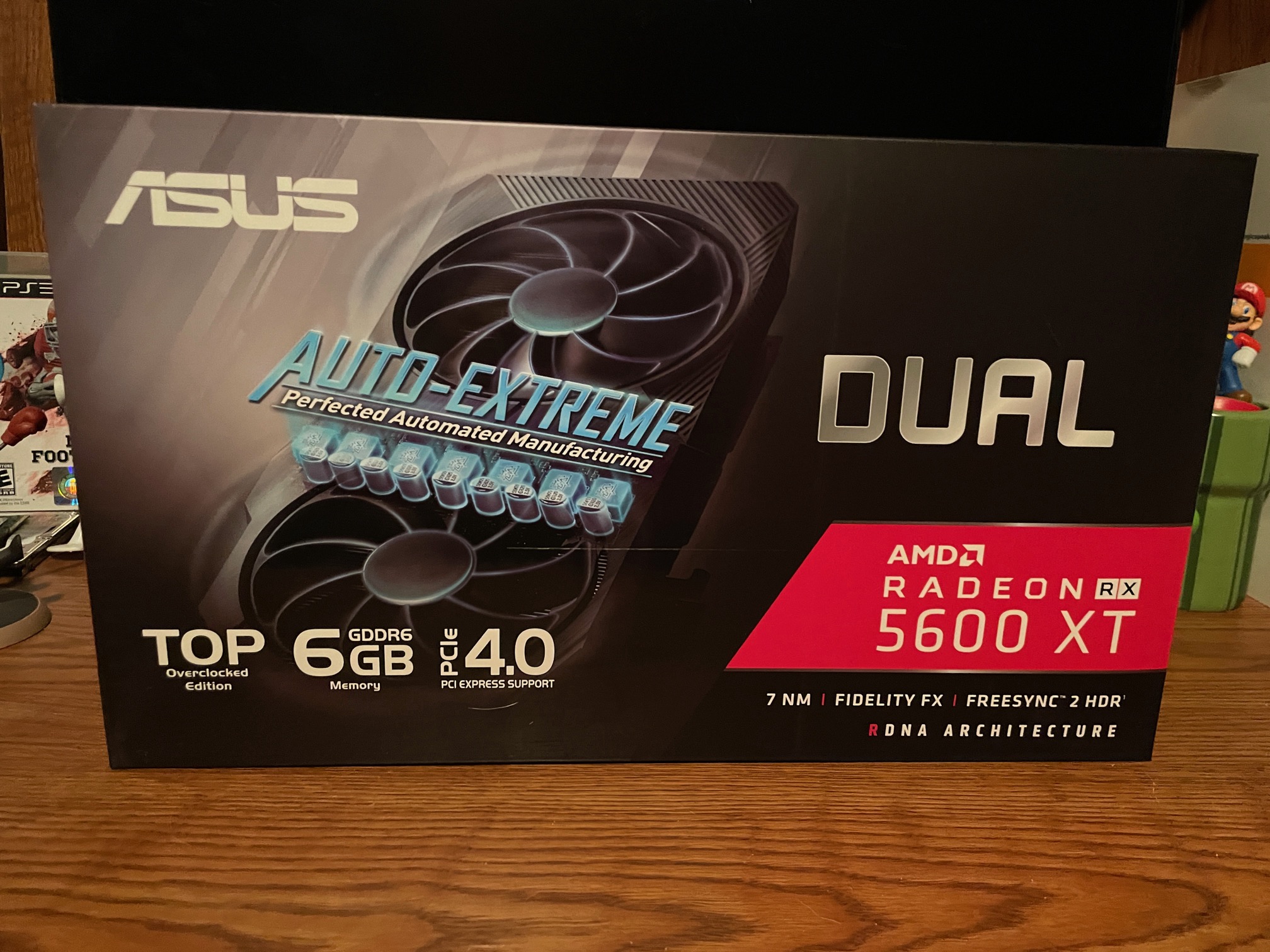
This is the one I bought. I kinda wanted an MSi Gaming X but those were selling 2x MSRP and no, I won’t pay it. Really, most of these cards are about the same. There is always some sort of reference card to go by. Some have some factory OC going on as this one does. You can take any cards that aren’t OC and manually do it and get the same performance, just with some manual tweaking.
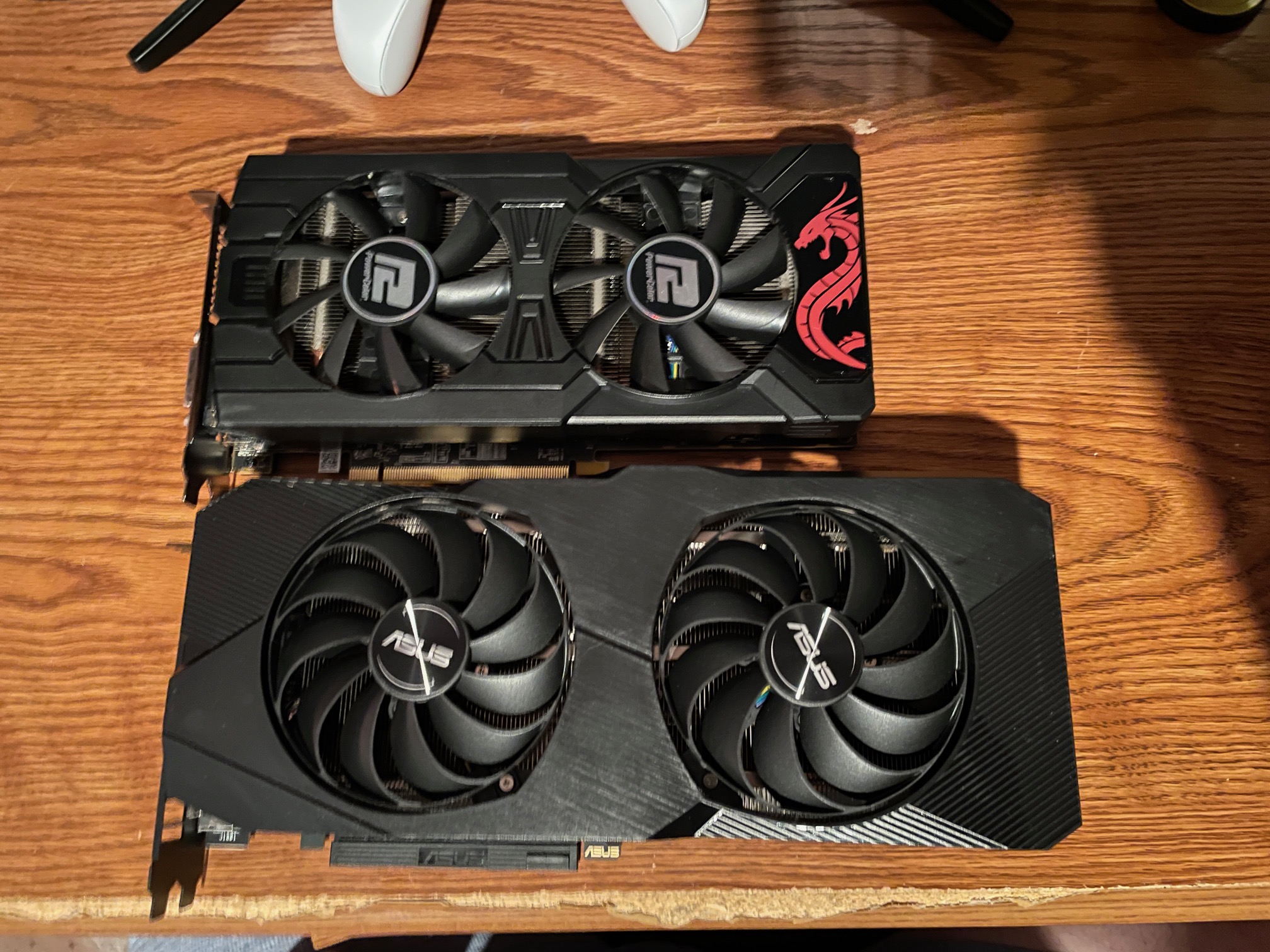
Much more massive than my RX 570. Very beefy.
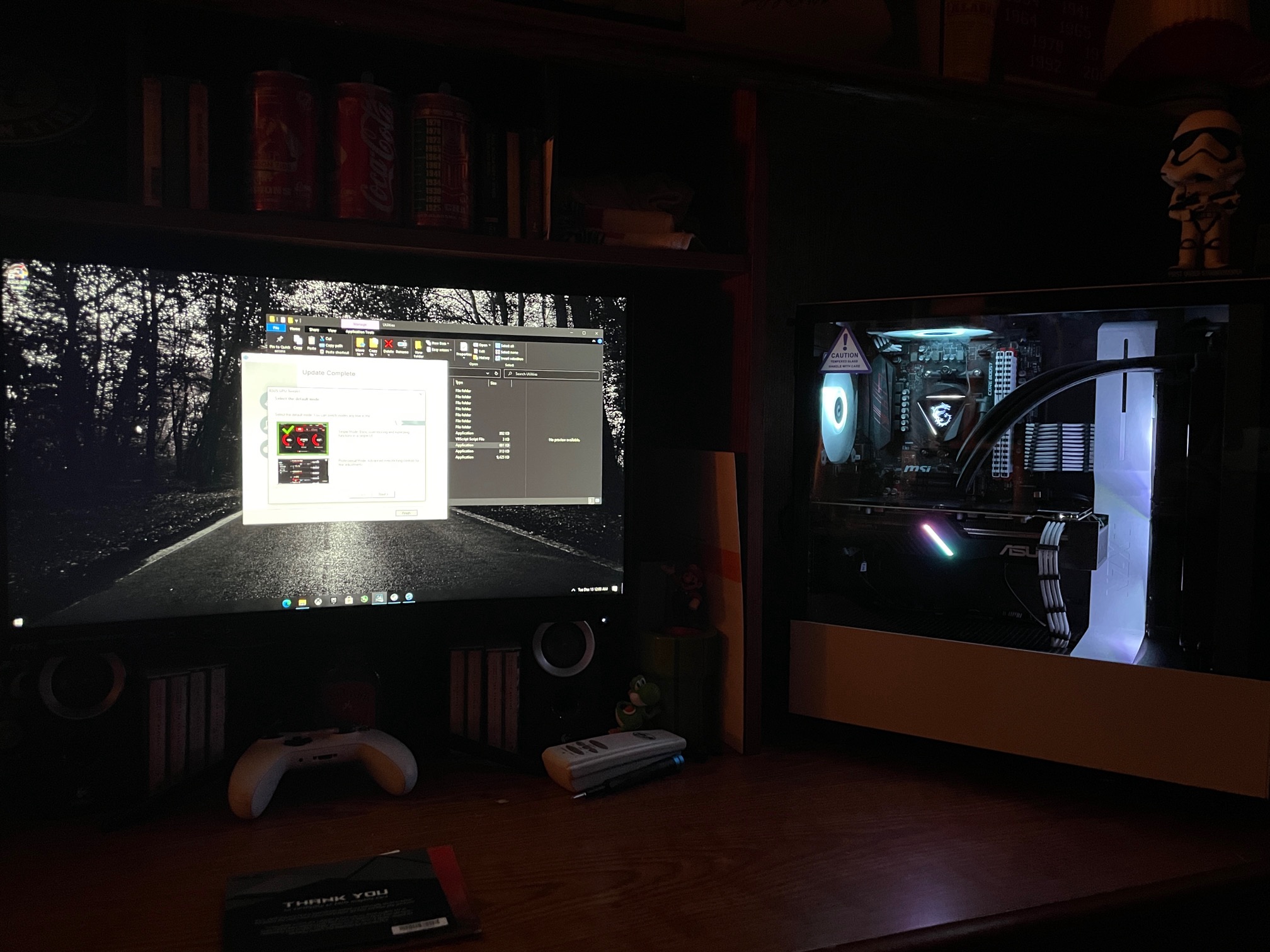
Looks good in my system, too. I will post some updated benchmarks against the RX 570 in the near future.
New SATA Cables
So, this is for pure aesthetics, I replaced my basic black SATA cables with white wrapped cables. Much like anything else like RGB fans and cable extensions, it doesn’t help increase performance, but it just adds another nice touch to the way it looks. Not much else to say about them.
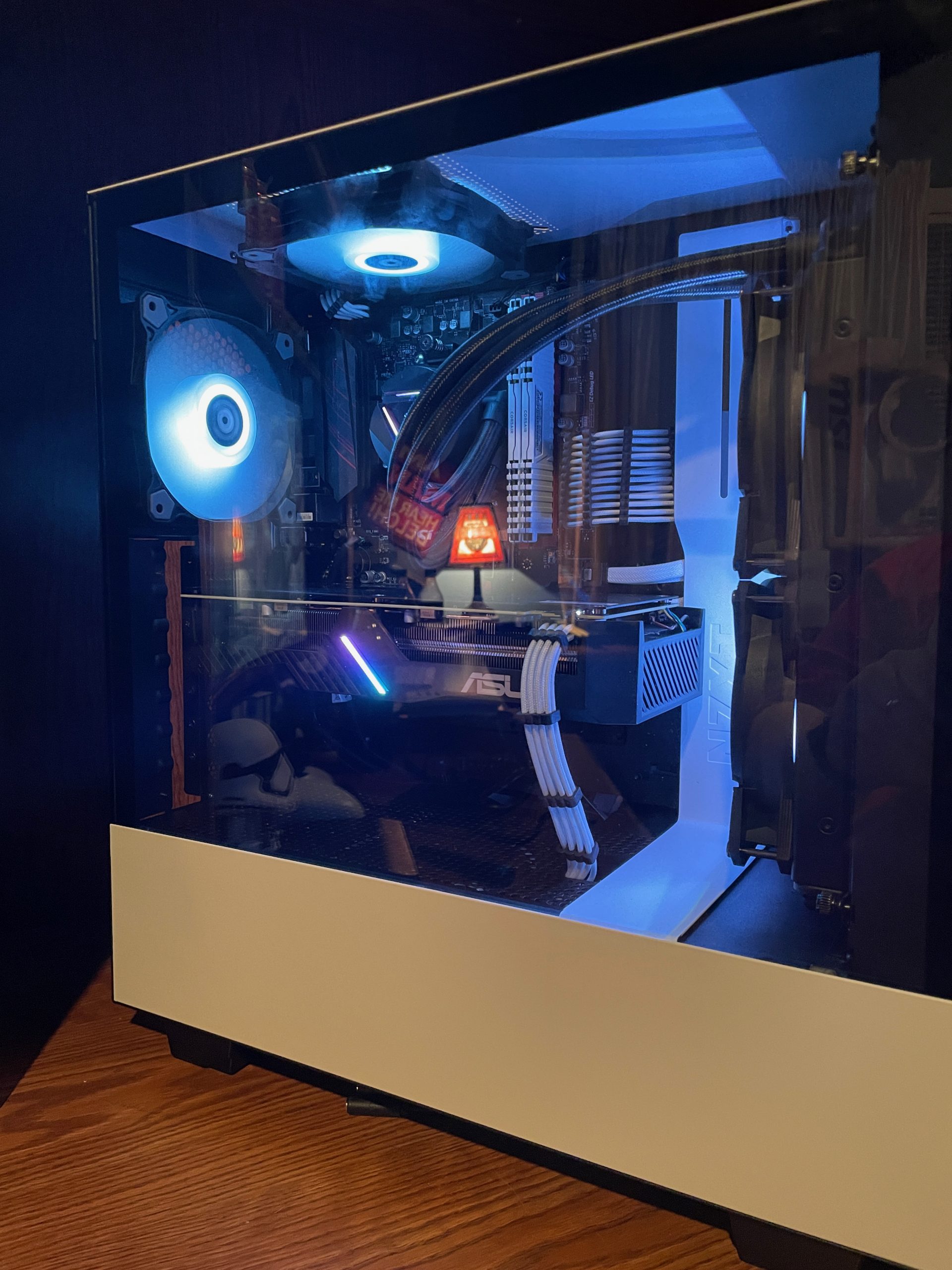
You can see them there right below the main motherboard power cable and above the video card. Something small, but I like them…
2nd HDD
I added a 2TB Seagate Barracuda drive to add to the 1TB drive I have… 3TB of mass storage. Nice.